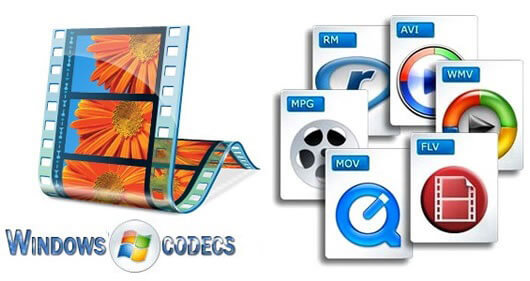
What does codec stand for?

The word codec is a new word invented to display the encoding and decoding programs of video and MP3 files (remember that a file [reading error] is a series of numerical values that make up a text, a song or a video consists of data from a file, a card, etc. etc., which are stored and transferred on a computer, on the hard disk, on an SD card or a USB stick, on a smartphone and transmitted via the Internet, Bluetooth , WIFI). There are several CODECs because different techniques have been developed to process a video or audio file in order to save memory and transmission space (so-called memory byte allocation or GIGA …). Sometimes our computer may not be able to read a video that we receive, downloaded from the Internet, or recorded by the home video surveillance system. Here there is a need to install a suitable codec for reading the video.

Where do you download a codec? Where can I find the right codec for reading the video? Where can I download the audio codec?
To find out which codec we need, we turn to small special programs that examine the contents of the file and find out which codec was used to encode the file and consequently for subsequent reading. In our article: How to find out the format of a video or song (here), we illustrate this process.
To download the required codec, we can do a search on Google, Bing or another search engine or connect to one of the many websites where codecs are collected both individually and in packages.
The best-known codec collection on the Internet is the K-LITE codec package, which you can download from the well-known Italian website html.it.
The most popular audio codec is undoubtedly MP3, the result of mathematical and psychoacoustic studies that allow you to compress an audio track in its original format, saving a lot of space. The introduction of the MP3 codec revolutionized the music world on the PC (and later on the advanced audio devices), since on average 90% of the storage space and thus the transfer of a file was saved by audio. The format used in Windows was called .wav (remember that the period followed by three letters indicates a file extension to indicate to the programs / operating system what a file contains and to match the correct reader / processor).
The best-known video codec for the Windows world was .avi (Interleaved Audio – Video).