What is MP3 Normalization?


Free Download Mp4Gain
picture

What is MP3 Normalization?

MP3 Normalization
MP3 Normalization

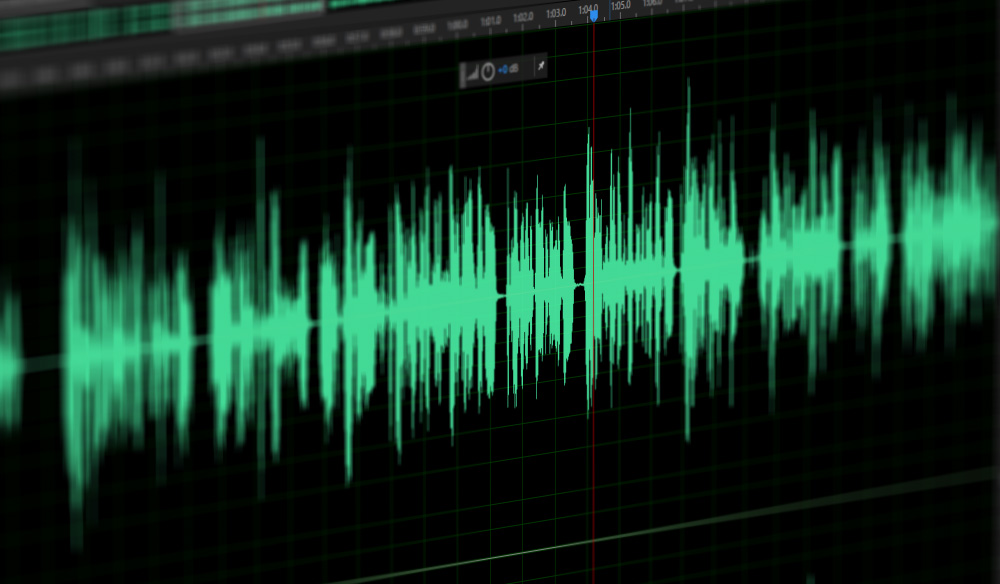
MP3 normalization is the process of making sure that all audio files are of equal volume. The goal is to ensure that all audio is of the same loudness when played back, making it easier to listen to the audio without having to adjust the volume settings. Normalizing audio is especially important when playing back audio files from different sources, such as a CD or a download, to ensure that all audio is heard at the same level.

MP3 Normalization
MP3 Normalization

Benefits of Normalizing Audio

Normalizing audio has several benefits, including making sure that all audio is heard at the same volume level and making it easier to listen to multiple audio files at once. Normalizing audio can also help to reduce distortion and improve the overall sound quality of a recording. Normalization can be used to make sure that all audio is heard at the same volume level, regardless of the source.

How to Normalize Audio Files

Normalizing audio files is a relatively simple process, and can be done using a variety of software programs. Some audio editing programs,  include tools for normalizing audio. These tools allow users to select a target loudness level and adjust the audio accordingly. In addition, there are also a number of dedicated audio normalization programs available for download, such as Mp4Gain.

Tips for Normalizing Audio

When normalizing audio, it is important to make sure that the target loudness level is not too loud or too quiet. If the target level is too loud, the audio may be distorted, resulting in a poor listening experience. It is also important to make sure that all audio files are normalized to the same loudness level. If audio files are normalized to different levels, they may sound unbalanced when played back together.

Conclusion

Normalizing audio is an important process for making sure that audio files are heard at the same volume level. It is important to make sure that the target loudness level is not too loud or too quiet, and that all audio files are normalized to the same level. For the best results, it is recommended to use a dedicated audio normalization program, such as Mp4Gain.


Free Download Mp4Gain
picture


Mp4Gain Main Window
picture


Mp4Gain Features
picture


Free Download Mp4Gain
picture

How to normalize mp3 files?

How to normalize mp3 files?

normalize mp3 files
normalize mp3 files

Mp3 Loudness equalizer

normalize mp3 files
normalize mp3 files

Mp4Gain is a program that can increase the volume of mp3 files. Mp4Gain can be used to normalize the volume of mp3 files that have been recorded at different levels. It can also be used to change the volume of mp3s without altering their pitch. The program is available in Windows. The program does not include any ads or malware.

Mp4Gain is a tool that can help you increase the volume of mp3 files. This tool can be used to normalize audio levels in your mp3 file so that the sound is more balanced. It can also be used to boost sound and increase mp3 volume. This is especially useful if you are listening to an old mp3 file with low-quality audio.Mp4Gain can be used for more than just mp3 files. It can be used to increase the sound volume in any file format, such as MP4, M4A, WAV, and FLAC. In addition, this tool works with all audio formats that support Advanced Audio Coding (AAC), including Apple’s AAC and Microsoft’s Windows Media Audio Lossless (WMA).

Mp4Gain is an mp3 volume booster that can increase the volume of mp3 files. Mp4Gain works by examining the mp3 file and calculating how much amplification is necessary to bring the audio up to a specific target level. It then adjusts the volume of the mp3 file so that it matches this target level. Mp4Gain is a tool that can increase the volume of audio files. It works by examining the mp3 file and calculating how much amplification is necessary to bring it up to a specific target level. Then it adjusts the volume of the mp3 file so that it matches this target level.

Want to increase the volume of your mp3s?

How to increase, decrease or normalize the volume of mp3 songs?

volume increase

It often happens that you hear a song on your computer and listen to it more than well, then you will be disappointed when you listen to it on your mp3 player or set it on your mobile phone as a ringtone.

In less than a minute, you can increase the volume of one or more songs at the same time and be able to test each time the decibel increases so as not to compromise the quality of your song and create distortions.

Increase volume

In addition, Mp4Gain allows normalization of the volume of multiple songs, that is, to level the volume of all mp3s, this feature was very useful in the car, on long trips when listening to many mp3s with different volumes, and as I should be time to adjust the volume, which affects my concentration behind the wheel.

Mp4Gain also allows other very useful customizations, such as various effects including fade at the beginning or end of the song, useful when we add an audio base to the video we create, or maybe we want to download on Youtube to prevent a song from starting immediately with maximum volume or it ends abruptly

In my opinion, Mp4Gain is the best for its interface, simplicity and ease of use. In addition to changing the volume of your songs, it offers a variety of other useful and user-friendly features.
So I remind you that once installed, it works on your mp3 or audio and / or video files of the most popular formats, and once it has the desired result, you only need to enjoy the normalization of the volume that Mp4Gain performed.