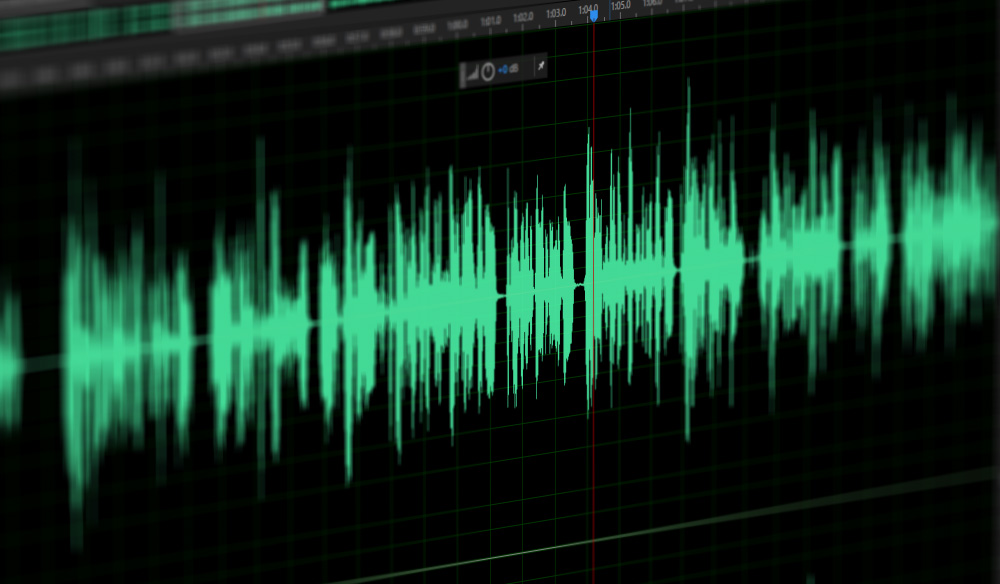
What is MP3 Normalization?

MP3 normalization is the process of making sure that all audio files are of equal volume. The goal is to ensure that all audio is of the same loudness when played back, making it easier to listen to the audio without having to adjust the volume settings. Normalizing audio is especially important when playing back audio files from different sources, such as a CD or a download, to ensure that all audio is heard at the same level.

Benefits of Normalizing Audio
Normalizing audio has several benefits, including making sure that all audio is heard at the same volume level and making it easier to listen to multiple audio files at once. Normalizing audio can also help to reduce distortion and improve the overall sound quality of a recording. Normalization can be used to make sure that all audio is heard at the same volume level, regardless of the source.
How to Normalize Audio Files
Normalizing audio files is a relatively simple process, and can be done using a variety of software programs. Some audio editing programs, include tools for normalizing audio. These tools allow users to select a target loudness level and adjust the audio accordingly. In addition, there are also a number of dedicated audio normalization programs available for download, such as Mp4Gain.
Tips for Normalizing Audio
When normalizing audio, it is important to make sure that the target loudness level is not too loud or too quiet. If the target level is too loud, the audio may be distorted, resulting in a poor listening experience. It is also important to make sure that all audio files are normalized to the same loudness level. If audio files are normalized to different levels, they may sound unbalanced when played back together.
Conclusion
Normalizing audio is an important process for making sure that audio files are heard at the same volume level. It is important to make sure that the target loudness level is not too loud or too quiet, and that all audio files are normalized to the same level. For the best results, it is recommended to use a dedicated audio normalization program, such as Mp4Gain.