The audio levels of the material produced in a radio station
In general, in radio they do not tend to stay within standardized levels for their audio editions (spots), it is not necessary to know much about levels, since an audio processor compresses and limits everything on air.
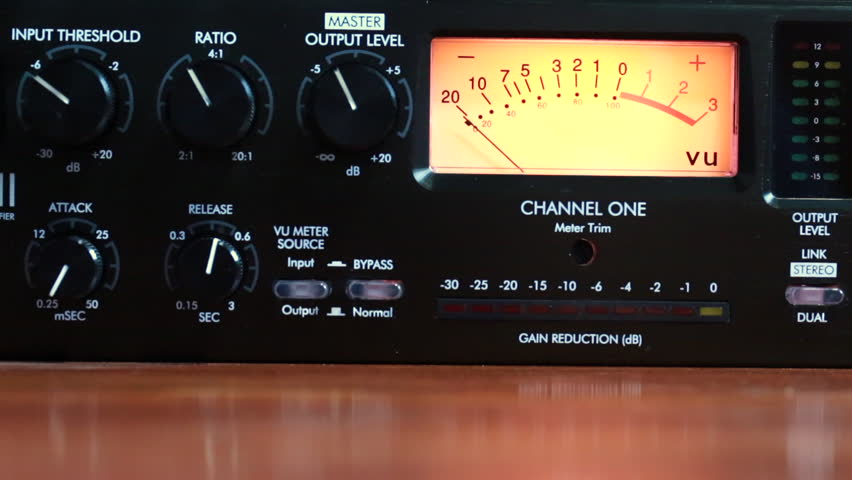
The console operator does not understand anything about dynamic range, something that has no practical use in the air. And this is how many radios work with adjustments that “work” in the air by trial and error, and not always with the most demanding criteria. successful.

Level normalization
In radio, an editor does not know or manage any level convention, so it could be said that level normalization is not widely used. However, a good professional practice would be that all the material generated by a station “sounds” at the same level. Not to the air, because to the air if it is transmitted normalized or compressed and limited, but inside the station. And for this, there are two ways:
The material is processed “by ear” by comparison.
An RMS value is defined and all publishers normalize their mixes to that average level.
Regarding the first point, differences of up to +/- 2 dB will be absolutely acceptable. But a very common vice is to overcompress the edits, or sometimes the voices, seeking to hear the compact and aggressive sound of the FM on studio monitoring. That sound should be determined on-air by the streaming processor, not the publisher. Editors generally abuse processes like Normalize RMS (Sound Forge) and “maximizers”; Wave Hammer (Sound Forge / Vegas) Ultramaximizer and L1 (Waves). Ideally, how much to “squeeze” the dynamics of the edited material should be a function of the type of processor the radio has. At this point it is possible to clarify a fairly common confusion: STANDARDIZATION has nothing to do with making an audio sound “strong” or “powerful”. Using normalization for that purpose is a beginner’s mistake.
The second option is the most accurate way of working -although this precision is not necessary- normalizing all the editions to a given RMS value. This does not impact the sound in the air but it does the internal prolixity of the station. RMS is not an accurate measurement of loudness or “volume”, but for what you need in radio it is enough.
The streaming audio processor knows nothing about the level of the audio file. The processor receives an audio level from the console and works accordingly. What affects the behavior of the processor is the dynamics of the material, if it has dynamics or is super-compressed / limited.
Normal working values
The level at which operator-editors generate material has two well-defined extremes to avoid: very high levels of compression / cliping and excessively low material (less than 24 dB RMS). When we talk about level, we must be clear about the differences between peak level and average level.
PEAK level
Regarding the peak level, the logical maximum limit is digital cliping. Needless to say, a cliping mix is unacceptable.
It is advisable that the maximum peak level is not 0 dBfs, as this will generate overshoot cliping in the D / A converters and especially if the compressed material (MP3) is exported.
An appropriate value for the material on a radio is maximum peak – 1dBfs (the recommendation if using mp3 compression is -3 dBfs). But this does not mean that it should be -1 dB. If no peak reaches the established maximum it is not a problem as long as the material complies with the appropriate working level. The peak level does not matter, but in general the signal will always reach the maximum peak level.
Listening level (RMS)
The “listening level” or mix level is determined by the RMS or “average” value of the material. This is true even if the publisher has never measured the RMS value of their audios. In general the radio editor “compresses”, “maximizes” or -conception error by- “normalizes” your edits “so that they sound”. And in that “so that they sound”, it is taking the cuts to a certain value.
The question that arises is what should that value be? How much should the final mix “squeeze”? The final value should not be a value that generates excessive compression, as this is the task of the transmission processor. How to compress is a topic of discussion for another article, since it is fine spinning and the radios in general do not take into account these aspects. In general lines we will say:
If the radio has a simple analog processor, type M31 or Solidyne 362, they will perform better with material that has a more compact sound (more compression).
If the station has a high-end digital processor, and especially if it works with a highly processed sound in the air, it is not recommended or necessary to excessively maximize the material generated by the station, because these audio equipment respond better when the material is origin is not over compressed.
But what if the file level is very low? It depends. Depending on the PC-Console connection, the operator typically has at least 15 dB of gain range for level correction from the PC. In turn, if the level is low with the fader on, the AGC of the processor has between 10 and 20 dB more correction to compensate the level in the air. But if the file were generated too low, it could fall outside the operator / processor correction range and go low on air.
GENERAL AND ELEMENTARY CONCLUSIONS:
Different materials generated in the radio must sound at the same level, either by ear or measured RMS.
It should not be overcompressed, much less cliping.
The peak level should not exceed -1 dB.
It should not be too low as it may fall outside the processor’s AGC / operator correction ranges.
Put in values:
RMS values between -16 to -13 dB RMS are acceptable.
Values between -13 and -10 dB RMS generally indicate strong compression.
Values less than -10 dB RMS indicate excessive compression, not recommended as it generates a very loud but “muffled” sound that cannot be “improved” by the air processor.