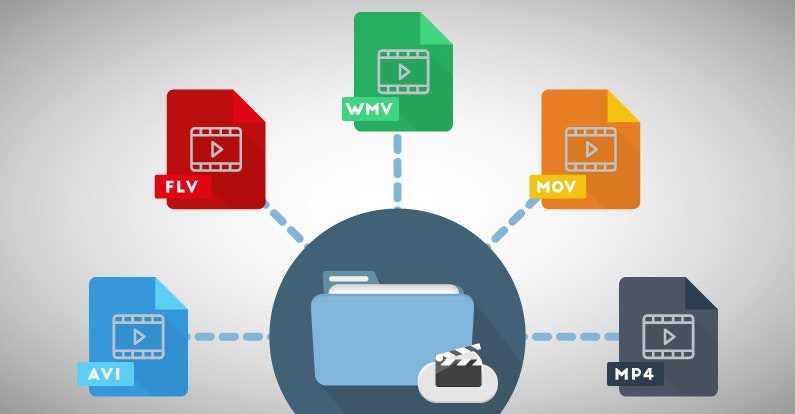
The Art of File Encoding


Why is file encoding important for digital media?
When it comes to digital media, file encoding plays a crucial role in ensuring optimal playback, compatibility, and quality. File encoding refers to the process of converting audio or video data into a specific format using compression algorithms. It involves various technical aspects that directly impact the file size, bitrate, resolution, and overall performance of the media.
One of the primary reasons why file encoding is essential is efficient storage. By utilizing advanced compression techniques, the size of the media file can be significantly reduced without sacrificing quality. This is particularly crucial in scenarios where storage space is limited, such as when transferring files between devices or uploading them to the internet.
Compression algorithms for file encoding
When it comes to file encoding, compression algorithms play a vital role in achieving optimal results. These algorithms, such as MPEG, H.264, or VP9, utilize various techniques to reduce file size while minimizing quality loss. By removing redundant or less important information from the media data, compression algorithms enable efficient storage and transmission.
Each compression algorithm comes with its own set of advantages and trade-offs. For instance, H.264 is widely used for video encoding due to its excellent balance between file size and quality. On the other hand, VP9 offers better compression efficiency but requires more processing power to decode. Understanding the characteristics of different compression algorithms is essential in choosing the most suitable one for specific use cases.
The role of bitrate in file encoding
Bitrate is another crucial aspect of file encoding that affects both file size and quality. It represents the amount of data processed per unit of time and is typically measured in kilobits per second (kbps) or megabits per second (Mbps). The bitrate directly influences the level of detail and smoothness in audio or video playback.
When encoding a file, selecting an appropriate bitrate is essential to strike a balance between quality and file size. Higher bitrates result in better quality but also larger file sizes, which may not be desirable in scenarios where bandwidth or storage space is limited. On the other hand, lower bitrates can lead to compression artifacts or loss of detail.
How does file encoding impact multimedia streaming?
Multimedia streaming has become increasingly popular in recent years, and file encoding plays a critical role in delivering smooth and uninterrupted playback experiences. Streaming platforms rely on efficient file encoding techniques to transmit media content over the internet while minimizing buffering and ensuring optimal quality.
One of the key considerations in multimedia streaming is adaptive streaming. This technique dynamically adjusts the quality and bitrate of the media based on the viewer’s internet connection speed and device capabilities. By using multiple encoded versions of the same media at different quality levels, adaptive streaming ensures smooth playback regardless of the viewer’s network conditions.
Optimizing file encoding for streaming
When encoding files for streaming, several factors need to be considered to optimize the streaming experience. Segmentation is one such factor where the media file is divided into smaller segments for efficient transmission and playback. These segments can be independently requested and buffered, reducing the time it takes to start playback and allowing for seamless switching between quality levels in adaptive streaming scenarios.
Another crucial consideration is the choice of streaming protocol. Protocols such as HTTP Live Streaming (HLS) or Dynamic Adaptive Streaming over HTTP (DASH) have gained popularity for their ability to adapt to changing network conditions and ensure uninterrupted playback. These protocols work in conjunction with efficient file encoding to deliver a seamless streaming experience across various devices and network environments.
Final Words
File encoding is an intricate art that encompasses various technical aspects to optimize digital media for storage, playback, and streaming. The choice of compression algorithms, bitrates, and streaming techniques significantly impacts the quality, file size, and compatibility of the media. By understanding the intricacies of file encoding, you can ensure that your digital media is efficiently encoded for optimal performance and a seamless viewing experience.