
Most popular media file formats:
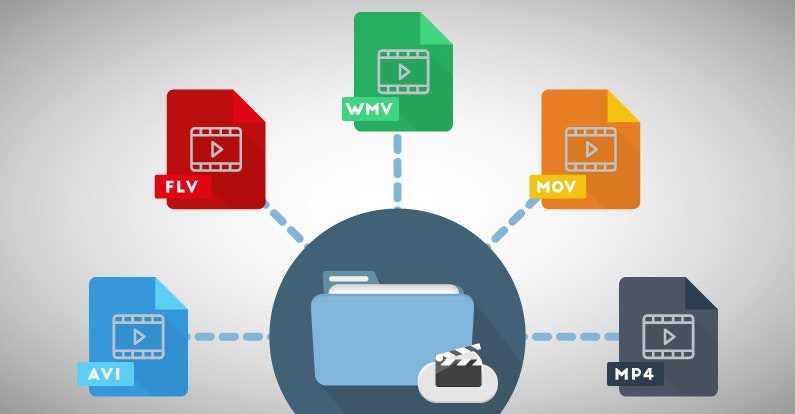
3GP: designed for use in mobile phones, in AP networks. It guarantees powerful compression, which allows the format to be used on weak mobile phones.

AVI (Audio / Video Interleaved): developed by Microsoft, one of the most widespread formats in the world. Different codecs can be used in this format.
FLV (Flash Video) – Created to stream video over the Internet. The most widespread format on the Internet, it is often used by various video hosting sites to store videos. Provides good image quality with low bit rate.
M2TS is a Blu-Ray video file.
MKV (Matroska) is a container that can hold video, audio, subtitles, and more. This format can contain various types of subtitles and allows you to add multiple audio tracks to a video file.
OGG is a free and open format designed to store multimedia content encoded with different codecs.
ReadMedia is a format created by RealNetworks. It is mainly used for television broadcasting and video transmission on the Internet. Low bit rate and poor image quality.
MOV is a container developed by Apple for QuickTime. This is the format of the Mac OS X operating system.
MP4 is a format of one of the specifications of the MPEG-4 standard. It can contain various audio and video sequences, subtitles, animation, panoramic images.
SWF (Shockwave Flash or Small Web Format) is a video format for flash animation, vector graphics, video, and audio on the Internet.
WMV (Windows Media Video) was developed by Microsoft. An attempt to create an analog of MP4, which was also unsuccessful.
WebM is an open format proposed by Google as a replacement for the H.264 / MPEG4 standard.
In this article, I want to give an incomplete list of the most common music formats. With some we are more familiar, with others less, for example, those who use Windows on their computer are practically unfamiliar with the AIFF file format for Mac OS, an analog of the more famous WAV format. But that is not the point
Today, there is a “wide variety” of music formats, they are differentiated from each other by different audio compression algorithms, while the compression ratio itself is expressed by a concept such as bit rate.
Uncompressed formats are not compressed. They simply unfold during opening. Although the size of these files is usually very large. The downside of lossy compression files is that it removes some data from the original file. But the advantage is that they are smaller, open faster and take up less space.
Lossy files can have a high or low resolution depending on the compression ratio. The higher the quality, the less information will be lost. The bit rate corresponds to the information processed per second. A higher bit rate means more information per second. And more information per second means better sound. You now understand the basics of compression, file types, and bit rates, right?

