Video codecs and containers.
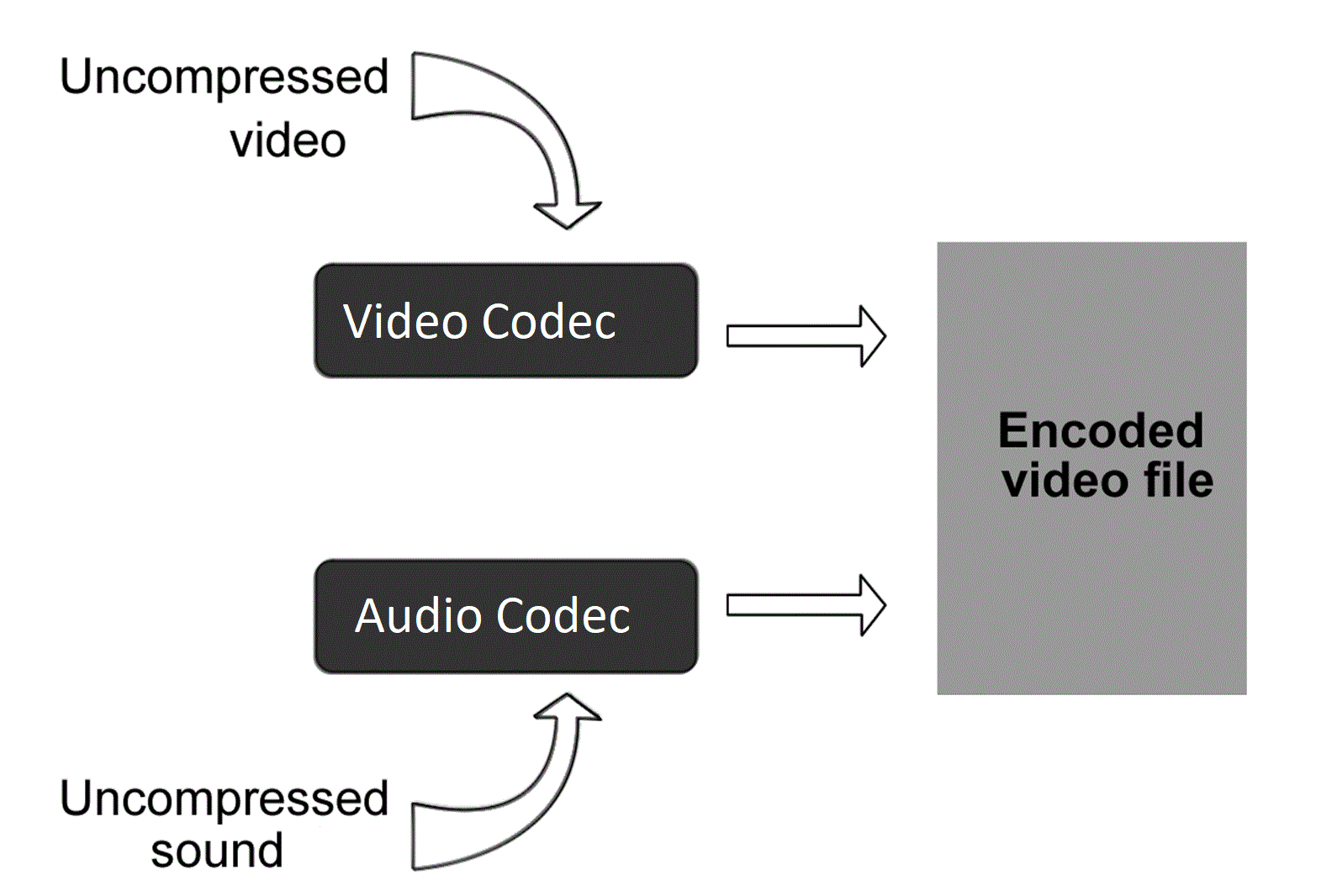
This article is intended to refer here to those who are trying to “convert” something, without understanding what they are doing and why.
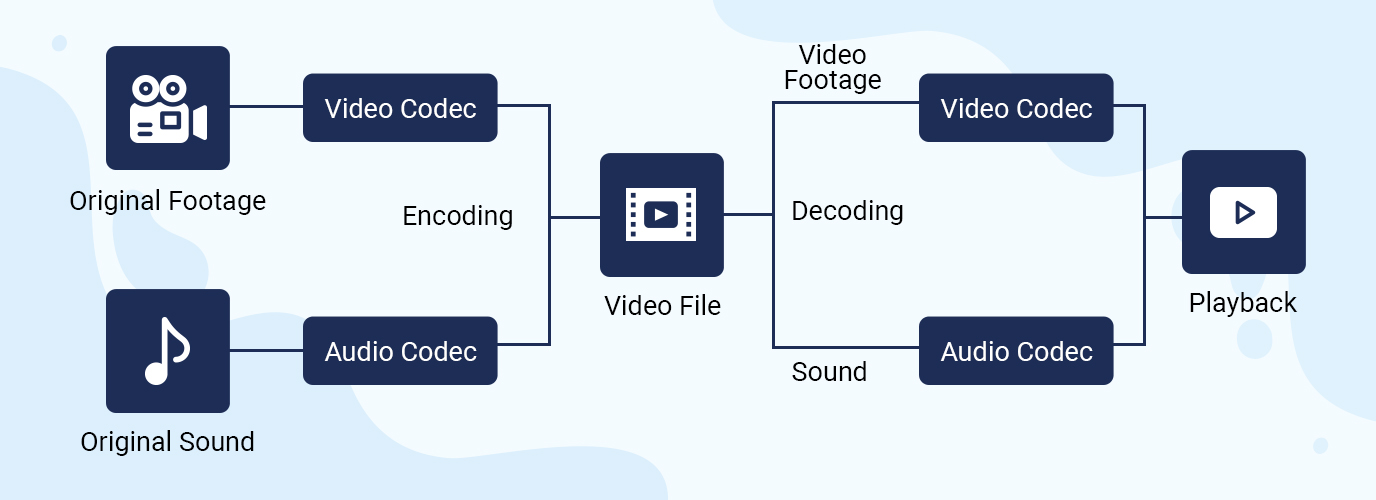
To work as efficiently as possible with any object, you need to understand how it works. If the video file is for you a mysterious black box, inside which mysterious things happen, perhaps not without the help of black magic, then your effectiveness will be minimal.
So. All information on the computer is in the form of files. This, I hope, is not a surprise to anyone. Here we will start from this basic concept.
Any video file must be a container. A container is a repository of content. There are multi-structure storages – these are container formats. For example, a bento box is an example of a container. You can put sushi or tempura on it. What can you put in a video container? Well, at least image and sound, one at a time. This is a set without which there is nothing to do. What can you put to the maximum? The modern Matryoshka container allows you to put various video and audio tracks, text and graphic subtitles, fonts to display them, images and I don’t know what else.
Going back to the bento box example, note that miso cannot be poured into it; will flow in fig. Not all containers can accept all flows. There are compatibility restrictions that make life difficult.
Container examples: mpeg, avi, mkv, mp4, ogm, vob, mov, rm, divx, asf. You don’t have to look closely at the list to understand that these are standard file extensions. Of course. Because file = container.
Streams or tracks are stored inside the container. These streams have a format called a codec. And this difference must be understood with particular clarity. The container is a file format. And the codec is the stream format it contains. They are two independent things. Yes, there are some inextricably linked containers and codecs. For example, the Real Media container can only store real video and real audio streams. And vice versa, these formats cannot be stored in any other container (almost, as I have already been corrected). But they are still different concepts that should not be confused.
The codec concept usually includes the following aspects:
1) The actual data storage format.
2) Software that allows you to encode information in this format and / or decode it from it.
Examples of video codecs: divx, xvid, avc, x264, vp6, vp7, mpeg-1, mpeg-2, huffyuv.
Examples of audio codecs: mp3, ogg, ac3, aac.
While containers are generally distinguished by file extensions, codecs are distinguished by the four-character FourCC code.
The codec concept is usually associated with a kind of compression. Raw (uncompressed) streams also have their own formats, but they do not require decoding, and therefore the concept of codec is generally not applied to them.
Now let’s take a look at the most popular containers, codecs, and related issues. As a general rule, the problems we have are of two types: related to reproduction and related to editing.
MPEG is one of the oldest containers. It can store only video in mpeg-1 format and audio in mp2 format. And in a friendly way, with quite strict restrictions on the size of the image and the bitrate of the sound. Due to the age and primitiveness of the format, almost all players and publishers understand it. But for the same reasons, it became almost impossible to meet him. Nobody needs these things.
AVI is also quite old, but it is still a very useful container. It’s good because, again, all the players and all the editors get it. Almost all mpeg-based formats fit into it, as well as many that support them. The following video formats do not fit avi: avc (aka Nero AVC or Nero H.264), wmv below version 9, as well as any tinsel like actual video, which was originally designed to be incompatible with anything in the world. By sounds, supposedly anything, except Vorbis ogg.
OGM is where Vorbis ogg goes. Because the format was created on the basis of this very ogg. At the moment, he is practically ousted by the matryoshka because he can do the same, only better. It is also not compatible with any conventional software.
MKV is a nesting doll that can fit just about anything except flash video. But due to its complexity and versatility, it is still possible to do with it only things like: mount, look and dismount.
MP4 is actually modern MPEG. It only takes things that are compatible with the MPEG standard, but at the same time includes its latest updates.