
As a result of the process of sampling an analog audio signal we obtain a sequence of binary numbers (numerical streams) that can be written to particular types of files (audio files or sound files) stored on various types of digital media (CD, DVD, HD or other).
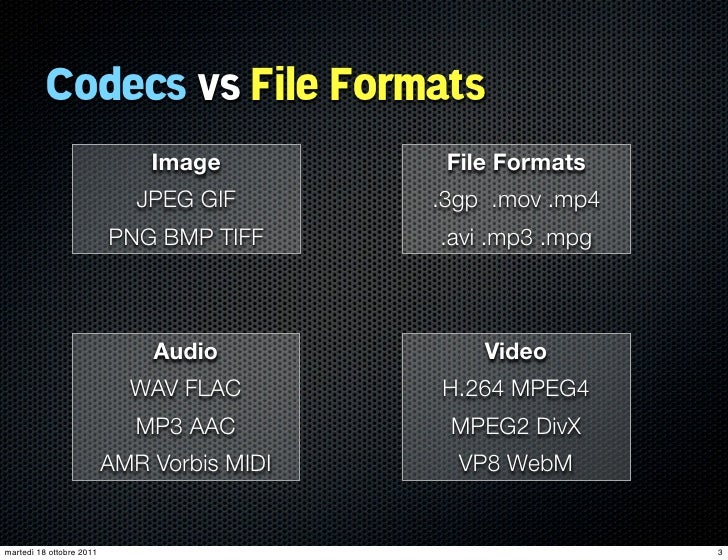
These files can have three different encoding formats:
Uncompressed – All data derived from the sampling process is written to the stored file.
Lossy: the information contained in the stored file is less than that contained in the source data (information loss).
Lossless – The information contained in the stored file is identical to that contained in the source data, but the data is still compressed.
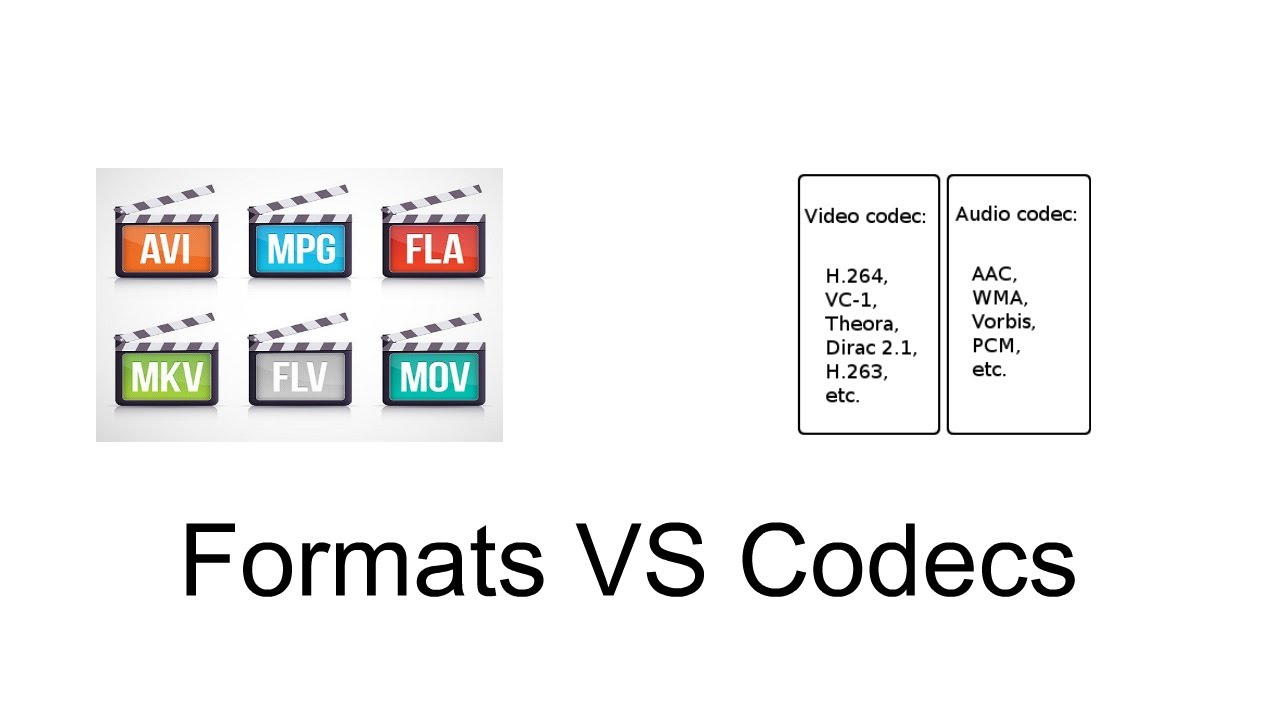
In fact, these different possibilities arise from the need that when we want to store all the information related to a signal in a digital medium, we may need to reduce the storage space occupied in order to benefit from the portability or transmissivity of the encoded stream. We must resort to compression of the information itself in such a way that it also allows the reverse operation.
This operation is performed using codecs that are programs (or devices) that deal with both the digitization of signals (typically audio or video) and their digital encoding and / or decoding.
There are several types of codecs, different from each other by the type of signal on which they must operate and by the encoding / compression algorithm implemented in them. Each encoding format can be derived from several different codecs. In fact, these allow you to listen to proprietary formats opened by any file reader, keeping the physical layer separate from the logical format of its representation.
The advantages of compression are:
takes up less space on the target media.
spend less time during data transfer (bit rate).
The cost (disadvantages) is the increase in read / write times linked to decompression / compression times and, in the case of audio files, also in terms of audio quality.
Bitrate
Before delving into the different types of audio formats, let’s focus on concepts related to data transmission speed, since audio files are intrinsically linked to the time that passes: each second is associated with a certain information content and therefore both to a certain subsequence of figures. binary. The number of binary digits that make up these subsequences is called the bit rate.
Bit rate is the number of binary digits used to store one second of information.
CDs, for example, have a sampling frequency equal to 44,100Hz as standard, which therefore generates 44,100 values per second for each channel. In the case of a stereo file, they are multiplied by 2, and since sampling is done at 16 bits (exactly equal to 2 bytes), they must be multiplied by 2:
44,100 * 2 * 2 * 60 (seconds) = 10,584,000 bytes (~ 10MB) every minute
Bitrate is expressed in kilobits per second (kbps) and can range from 32 to 320 kbps. For example, if we wanted to calculate the bit rate of the previous file we would have to calculate:
44,100 * 2 * 2 * 8 (bytes to bit) = 1,411,200 bits / second (1,411 kbs)
The calculations we have just carried out refer to an uncompressed format, whereas in the case of compressed formats, as the total length of the file decreases, the average length of the subsequences also decreases, and consequently the bit rate. mean that will correspond to the compression factor.
In fact, if a file with a 1411 Kbps bit rate like the one in the previous example were compressed at an average bit rate of 320 Kbps, we would have reduced the original file size by a factor of approximately 4.5 (1411/320).
Currently in the most advanced codecs there are three types of bitrate implementation:
CBR (BitRate from Costant). The simplest, most used and now least effective method. The bit rate remains constant in each frame and this means that the encoder will always use the same number of bits to encode each musical passage. In practice, the more complex passages will have a lower quality than those with little dynamics or silence since they will be encoded with an always equal number of bits, while more would be needed for the former and less for the latter. A great advantage of this mode is that the size of the resulting file is always proportional to the length of the part and is easily evaluated.
ABR (Average Bit Rate). Average bit rate is a mode that outperforms CBR and consists of a kind of variable bit rate. The encoder encodes the regions that need it with more bits and the simpler ones with less.


