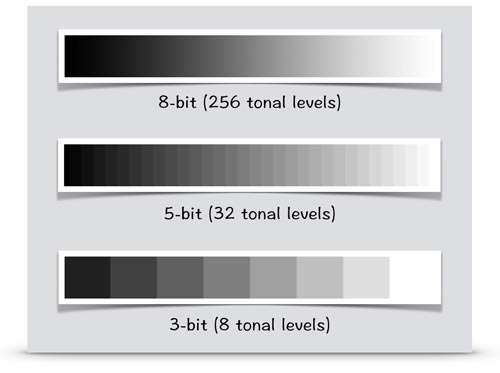
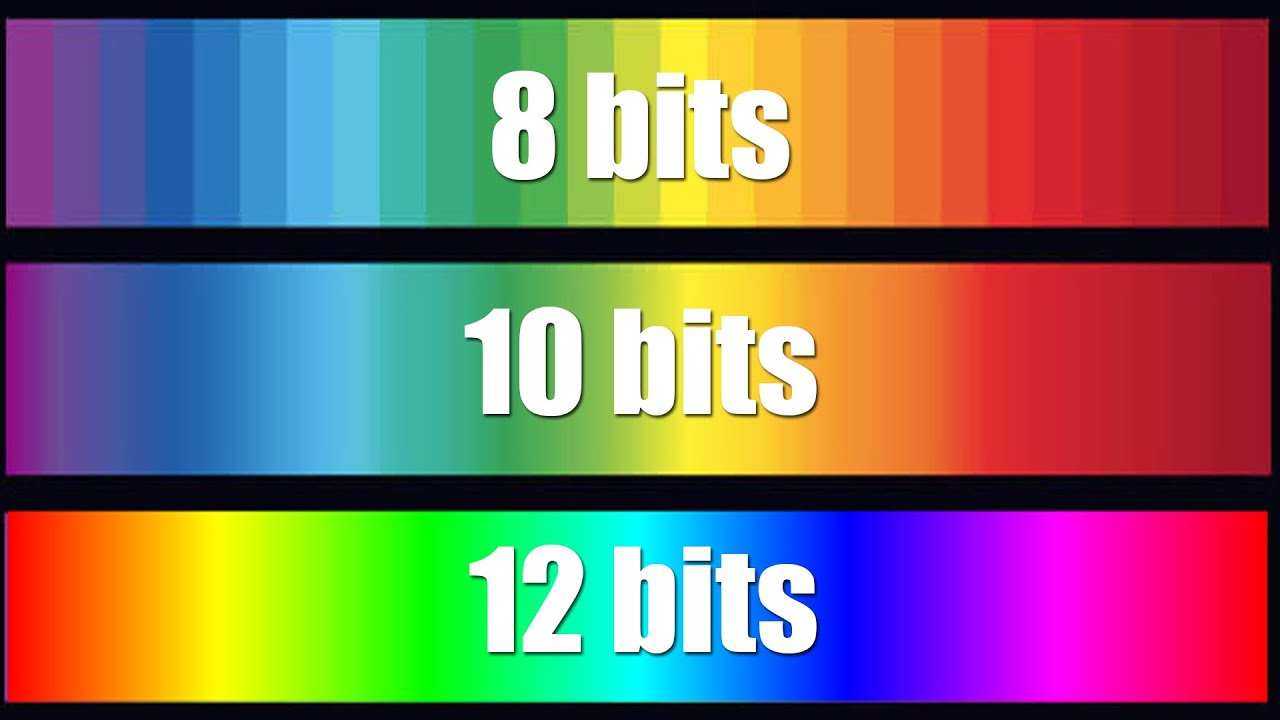
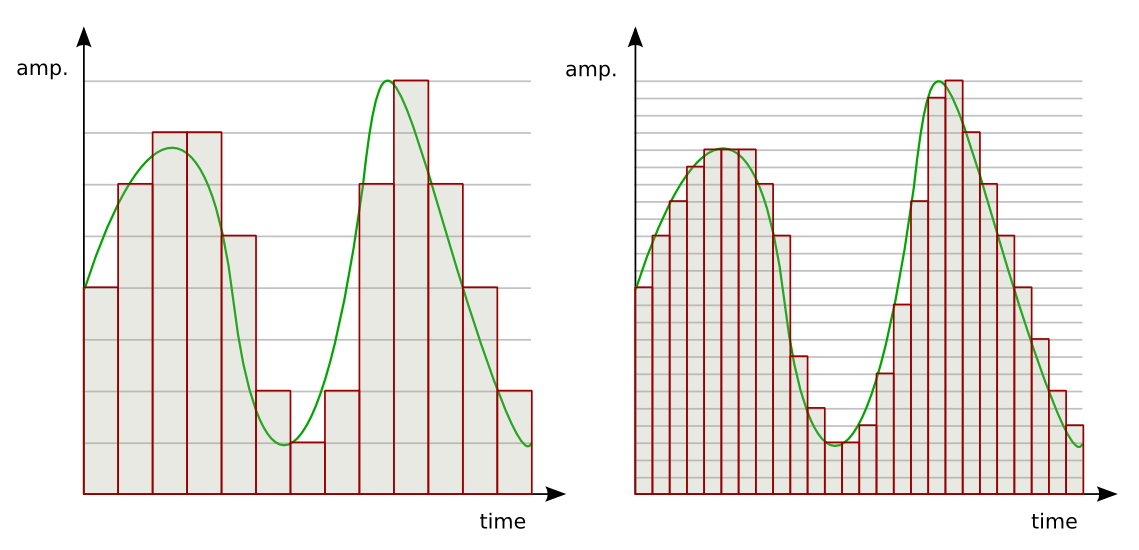
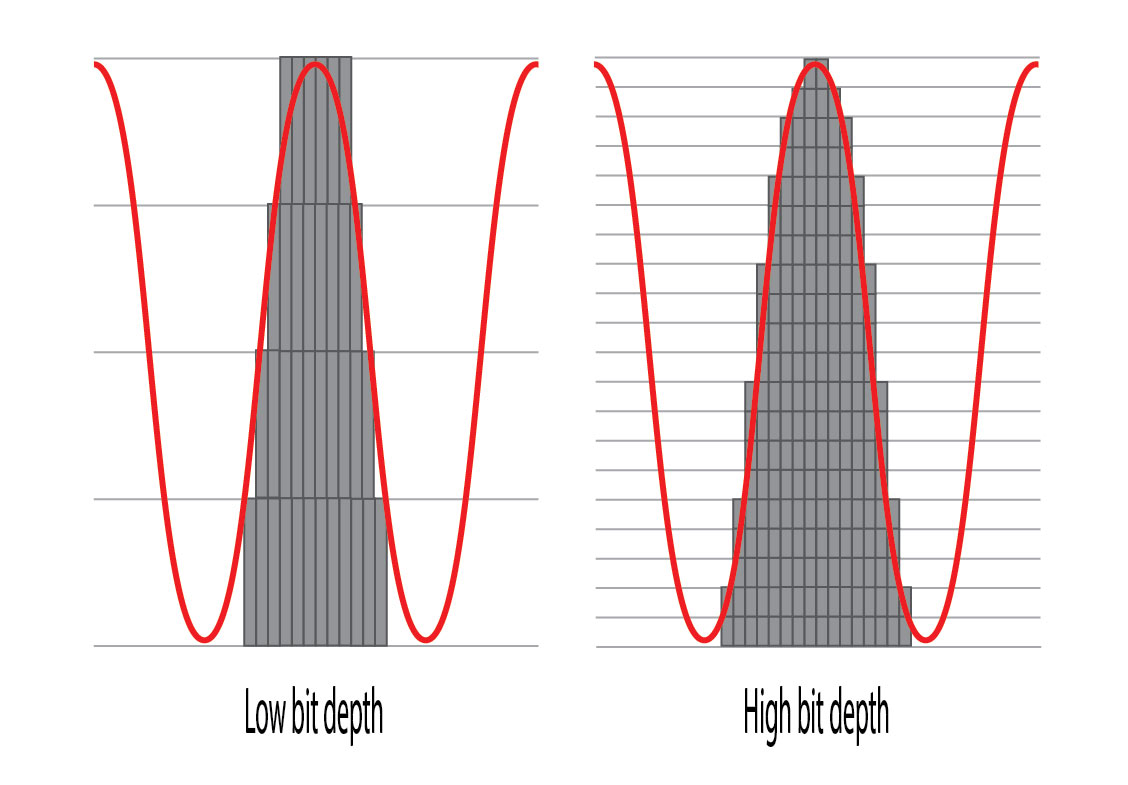
What is the difference between 16 bit and 24 bit? Part 2

By the way, “32-bit” and “32-bit floating point” are completely different things, and you can think of 32-bit and 24-bit floating point as almost the same thing in terms of recording.

32-bit floating point audio interfaces are commonly sold.
What about 16 bit?
On the other hand, in the case of 16-bit recording, the dynamic range is originally smaller (96 dB) than that of 24-bit, so the noise ratio is relatively large. As a result, the effective range of dynamic range is typically around 80 dB, and the s/n ratio is considerably less than 120 dB in the 24-bit case. That is, although the noise is the same, it will be more noticeable when recording in 16bit than in 24bit.
Let’s aim to create sounds that are aware of the staging!
Paying attention to the input of these recordings is part of a basic and important task called “gaining stage direction.”
Gain, to put it bluntly, is volume. It is very important to manage gain in every music production process, from recording, to produce clear music with less sound pressure control, noise and distortion.
There are many ways to get a staging, but if you understand the concept correctly, it’s not particularly difficult or expensive.
Analog VU MeterOne of the most underrated gain staging tools, the “VU meter”. You can solve many problems by using it correctly with a digital meter, and it’s installed as standard in most DAWs.
The reason beginners are often confused by “clear sound quality” and “sound pressure” is that knowledge about this gain staging is not that widespread. There is an avalanche of information that prints “all you need is this gear and plug-ins”, “you need a professional studio”, and “everything is decided by professional mixing and mastering” without telling you the specific job. As long as you have the right knowledge and can figure it out, you don’t need any of these at all, and that’s why the standard Pro Tools features are more than enough.
An ally that stands strong against the shortcomings of the home recording environment! Use VU meters and RMS meters to help control sound pressure!
How to record in 24 bit
First of all, it’s an important premise that both your audio interface and DAW support 24-bit, but if you go for a normal lineup these days, there’s almost no case that it won’t, so rest assured. Let’s see what is needed for both configurations.
Audio Interface Configuration
If you’re using a recent audio interface, you don’t have to worry about that, as you can record at 24-bit or similar settings without any configuration, regardless of price. Make sure only the driver for the interface is installed correctly.
Especially for Windows users, if you use the Windows Default Driver (WDM) instead of the ASIO driver, unexpected problems such as not being able to fully utilize the capabilities of the audio interface and automatically handling it at 16-bit will occur. to verify that the correct driver is installed correctly.