What is the difference between MP3 and Wav format?

To start with, let’s understand a little what Mp3 is and what Wav is.
Mp3 is one of the formats and options to store / save your audio file (audio recording).
This format is compressed. In simple words: it is designed to occupy the minimum amount of memory on your device.
Optimal bit rate for this format = 320 kbit / s.
Wav is an uncompressed version of your audio recording.
Consequently, the size of this file is much larger than that of the Mp3 format.
The optimal bit rate for this format is 1140 kbit / s.
From this we can conclude: what is the Wav format better than MP3?
Since the bitrate range of Wav is almost 3 times that of Mp3, the quality of the Wav format is much higher, which greatly affects the size of each of the formats.
The higher the quality of the original track, the higher the quality of the final result of your track. For better mixing, most people use the Wav format and this is the right choice. Now it is 2020, currently most studios work with Wav formats, but it is possible that you can make a high quality track by recording in Mp3 format. Admittedly, a mixing engineer will not be so impressed (probably).
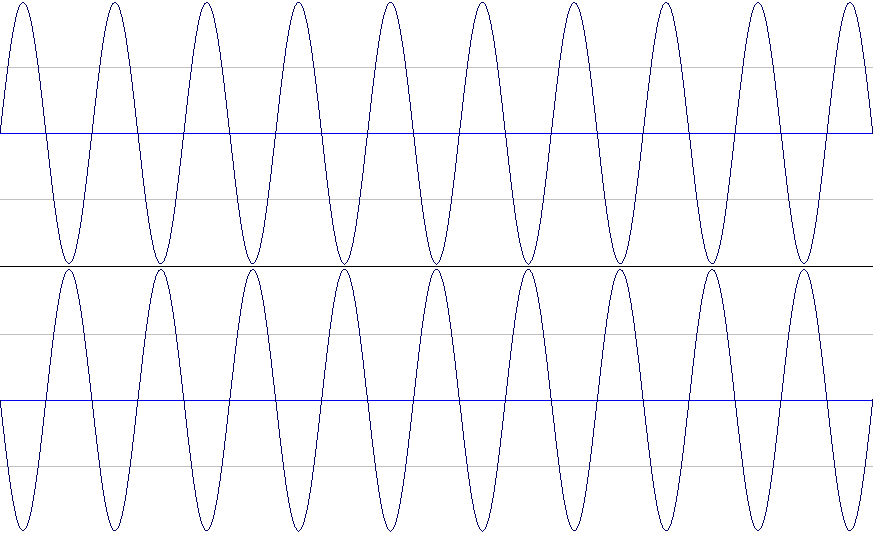
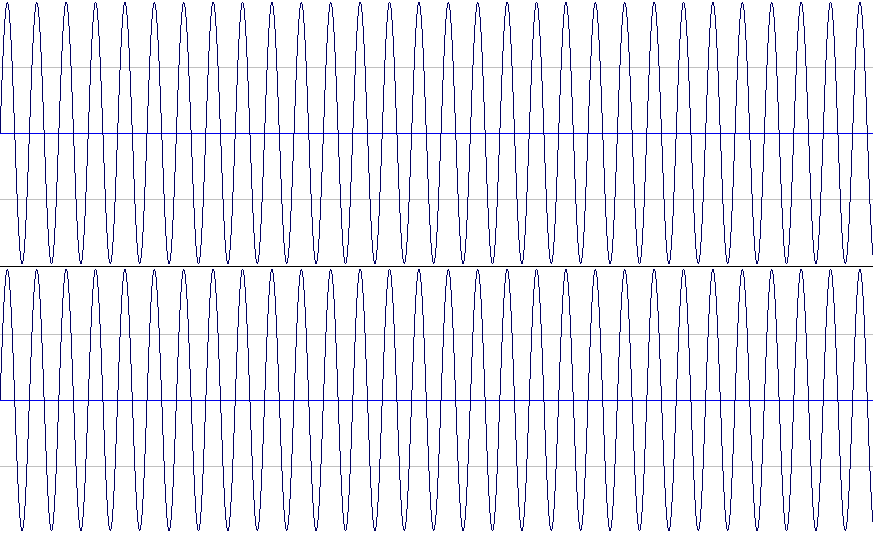
The Wav format preserves a more accurate wave pattern that was created in the program when the instrument was written. Its accuracy is also reflected by loading your Wav file into the show’s playlist, where the mixer engineer combines your vocal and backing tracks into one track with the instrumental. The Mp3 format was created for listening to music at home, on a player (with headphones), on portable speakers, etc., where the inaudible frequencies of the audio recording are not important, as there is in fact no way to produce a sound of the highest quality while listening to this equipment.
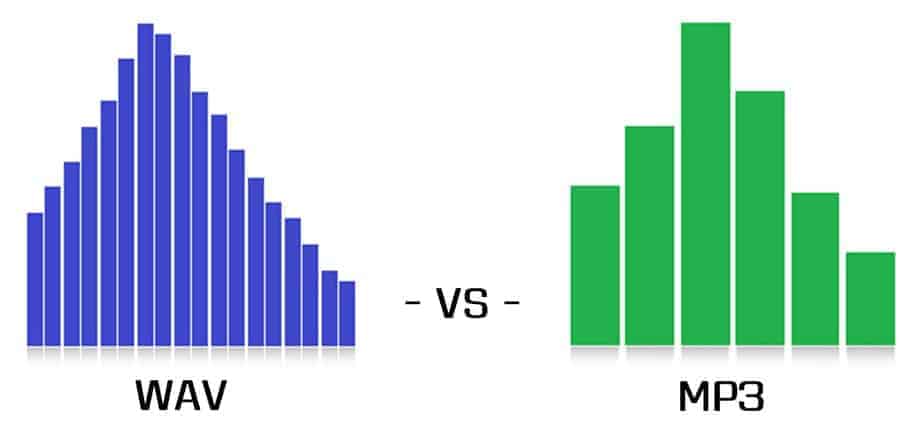
Naked eye bit rate difference: Wav = 1140 kbit / s, Mp3 = 320 kbit / s.
To summarize, the main difference between Mp3 and Wav is that:
Wav is an incredibly detailed, uncompressed version of audio recording designed for studio use.
Mp3 is an incredibly compressed and less detailed version of audio recording designed for listening to music at home, in the car, etc.
Examples:
High-end equipment: Similar to expensive studio monitors, they produce the highest quality sound carried by the audio track. It is in this case that the Wav format is needed, since the possibility of eliminating inaudible frequencies, + high detail from the audio file is excluded.
Inexpensive equipment, such as a mobile phone, vacuum headphones, a radio in the car, etc., emits a good sound and audio signal, but not a high-quality one, allowing you to hear all the inaudible frequencies. Consequently, the Mp3 format is suitable for them, which does not give the maximum range of all frequencies and takes up minimal space on your device.