Data compression modes: CBR and VBR
/CBR-vs-VBR-069b3b5e6d554d53841e7e525092d25b.jpg)
Often times an inexperienced (and even sophisticated) DVR owner has a question: “What’s behind the CBR and VBR abbreviations in the recording channel settings?”

In fact, if everything is clear with the video settings (720p, 1080N, 1080p are already established formats in the world of video surveillance), then with the audio settings not everything is so transparent.
The sound from the microphone connected to the recorder is encoded in MP3 format. Today, the MP3 format is the most popular audio file encoding format of all the existing ones. It is generally accepted that the quality of an audio track depends on its bit rate, therefore the most optimal bit rate for an audio track is 192 kbps. This statement, however, is one-sided, because in addition to the bit rate, the sound quality depends on the codec in which the audio was recorded.
There are three main types of MP3 file encoding: CBR, VBR, and ABR. The ABR type is intermediate between the other two and is not used in video surveillance. Therefore, in this article, we will only consider the CBR and VBR encoding types.
CBR (constant bit rate) stands for constant bit rate, which was set by the user during recording or encoding and does not change in the future. That is, regardless of the data type (even if you are recording silence), the number of bits specified by the user is constantly encoded in 1 second. The consequence of this type of encoding is the cumbersome amount of data received, which is a waste of disk space.
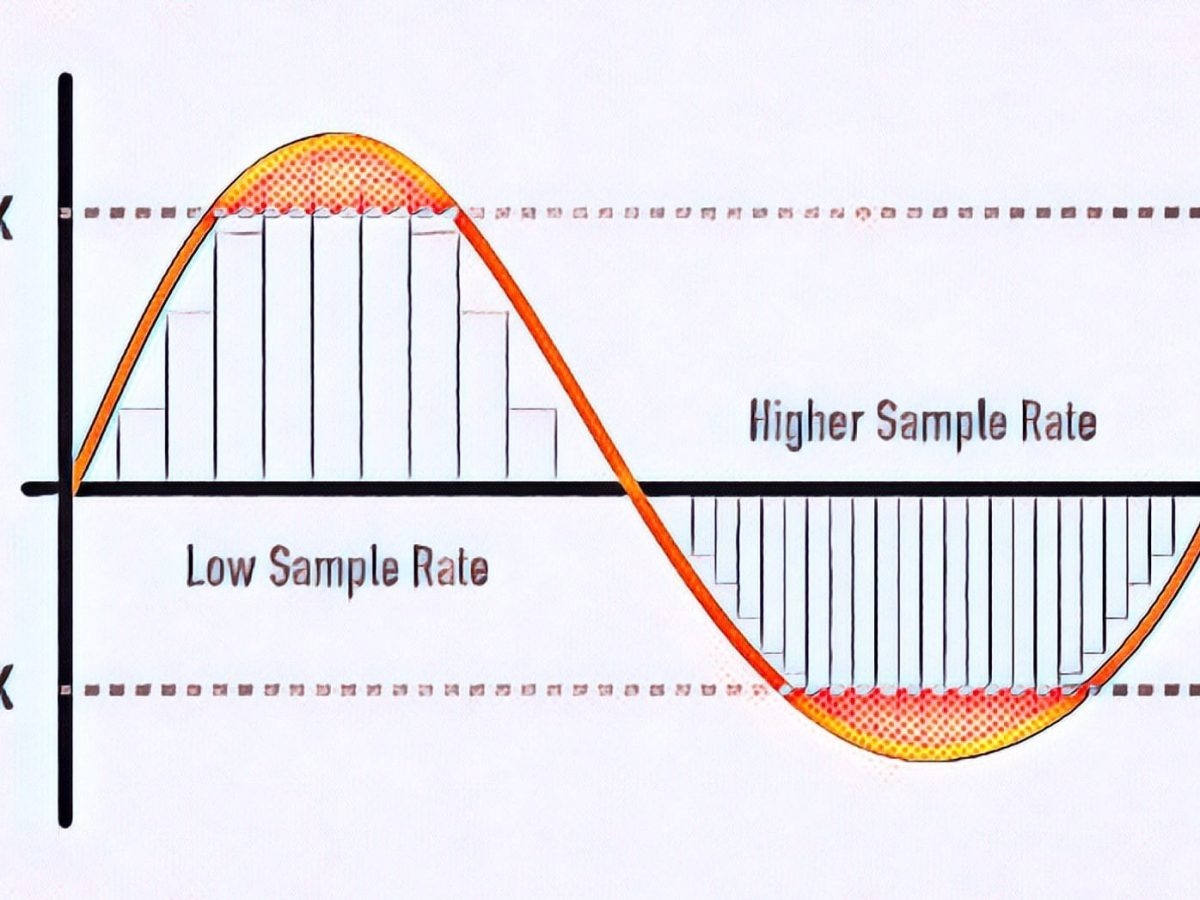
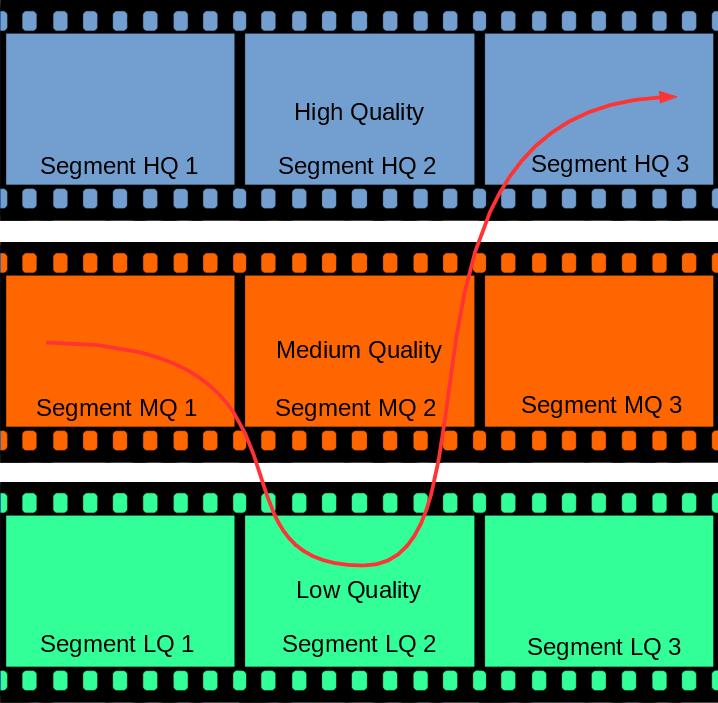
VBR (Variable Bit Rate) translates from English as a variable (variable) bit rate. By encoding in VBR, we get a file, the bit rate of which changes depending on the density of the data stream (that is, for example, the bit rate of silence will be less than the bit rate of any sound). This type of encoding continues to improve, reaching new indicators of the amplitude of changes in the bit rate of the data stream. The main disadvantage is that it is impossible to predict the future size of the encoded file. Despite this, this minus sign does not obscure the overall picture in any way – the file size turns out to be smaller than when encoded as CBR. This is due to the fact that the bit rate of silence (s) is lower. Obviously, this format is more acceptable for video surveillance tasks than CBR.