What is the AAC format? How to Easily Convert MP4 Video to AAC

Q1: “I want to extract audio data from .mp4 video, but I am wondering what output format to use, MP3 or AAC, can you tell me the difference between MP3 and AAC?”
Q2: “I am looking for a tool that can convert video files to music format. There are many files that I want to convert, and if possible, please show me a tool that can quickly convert or batch convert. I would be happy if I could
There are times when it is enough to enjoy music, not as a video. For example, when you watch the music video of your favorite singer, you want to enjoy the singing voice itself instead of the video.
Also, if you turn the video into music, you can easily listen to music even with your smartphone in your pocket, and the file size will be small.
However, to convert video files to music format, you need tools that can edit media files, but today there are not so many tools that have fast conversion speed on the Internet.
This time, I will explain the difference between AAC and MP3.
What is AAC
AAC (Advanced Audio Coding) is one of the technologies for compressing audio data and is a container format for storing audio data, which was developed in 1997 as a successor to MP3.
It is mainly used as a standard format for Apple products such as iPod and iPhone, and it is not compatible with Windows compatible software, making it difficult to play and edit on those devices.
Also, there are MPEG-2 AAC and MPEG-4 AAC in the AAC format, but the latest MPEG-4 AAC is often used.
The unique features of AAC are that it supports sample rates up to 96 kHz, supports up to 48 channels, and has a fairly high data compression efficiency.
Here I will talk a bit about the difference between MPEG-2 AAC and MPEG-4 AAC.
MPEG (Moving Picture Experts Group) is a group that establishes the standards used when compressing multimedia data such as video, audio, and text. Both MPEG-2 AAC and MPEG-4 AAC are audio data compression methods specified by MPEG.
MPEG-2 AAC A popular format for digital terrestrial broadcasting, it is considerably inferior to MPEG-4 in terms of compression efficiency.
It is a widely used music standard in portable devices such as MPEG-4 AAC digital audio players and digital cameras. The compression efficiency is significantly improved from 2, and the compressed music file size is also smaller.
Difference between AAC and MP3
In this part, I will explain the difference between “AAC” and “MP3”, which are often compared to each other.
Either also “lossy compression in the form of” as it is not returned based on sound quality. When compressing the sound source at once it is a “lossy compression” characteristic.
By the way, in addition to “lossy compression”, there are “lossy compression (representative: FLAC, ALAC)” and “uncompressed (representative: AIFF, AAC)” as music compression formats.
Both AAC and MP3 can compress the sound source data to about 1/10 of the original size with some deterioration in sound quality, but in terms of compression ratio, AAC is about 1.4 times higher than MP3. This means that AAC compressed files are smaller in size than MP3 files.
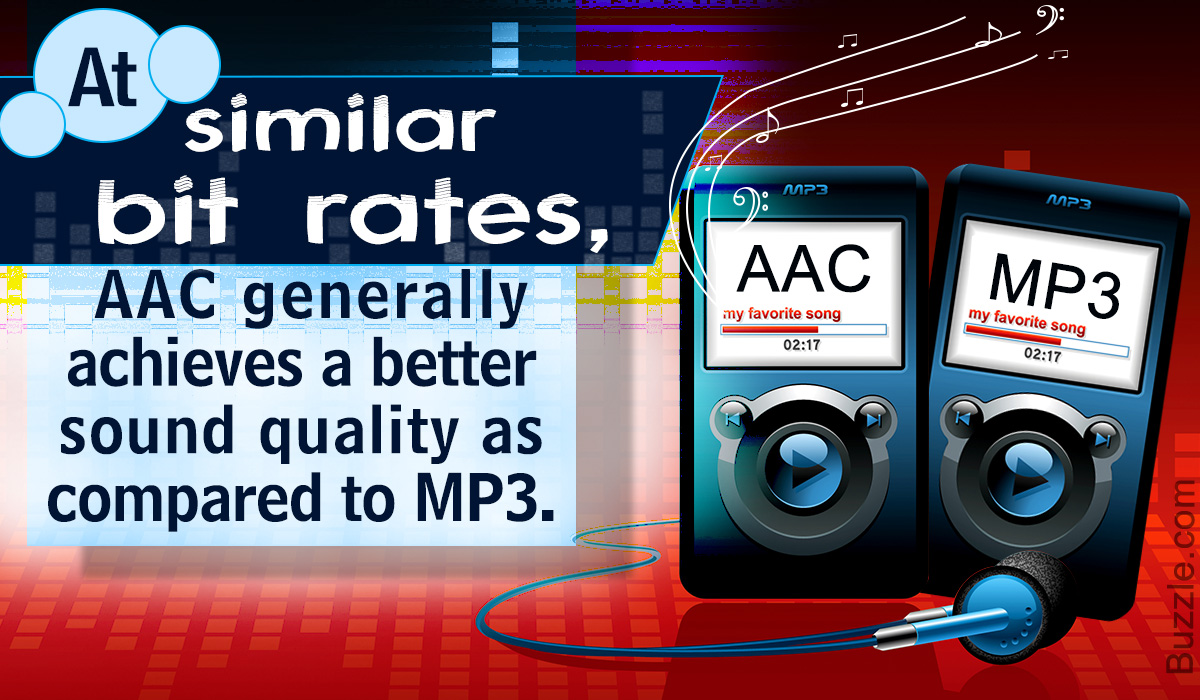
Therefore, for the same file size, AAC has higher sound quality than MP3, while for the same sound quality, AAC file is smaller than MP3.
However, from a bit rate point of view, if it is 128 kbps or less, AAC is by far the highest sound quality, but if it exceeds 198 kbps, MP3 will have a higher sound quality. .
PS: Bitrate is a numerical value that indicates how much audio data is packed during compression. The higher the number, the less audio data will be deleted and the higher the sound quality, but the larger the compressed file size.