Video Deinterlacing: Enhancing Your Viewing Experience
Video DeinterlacingVideo Deinterlacing
As a video enthusiast, I’ve come to appreciate the importance of video deinterlacing in the world of visual content. It’s a term that holds the key to improving the quality of videos and ensuring a smoother and more enjoyable viewing experience.
Understanding Video Deinterlacing
Let’s start with the basics. When we talk about video deinterlacing, we’re referring to the process of converting interlaced video into a progressive format. But what does that really mean?
Well, in the early days of television and video recording, interlaced video was the standard. This means that each frame of video was split into two fields, with one field containing all the odd lines of an image and the other containing the even lines. These two fields were displayed sequentially, creating the illusion of a complete frame. However, this method often resulted in visible lines and flickering, especially when there was fast motion on the screen.
Now, video deinterlacing steps in to solve this problem. It takes those two interlaced fields and combines them into a single, progressively scanned frame. The result? A smoother, flicker-free image that looks significantly better, especially on modern high-definition displays.
The Deinterlace Video Process
So, how does the deinterlace video process work? Think of it as a digital makeover for your video content. When you run a deinterlacing algorithm, it carefully examines each frame of interlaced video and merges the two fields into one. It does this by interpolating the missing lines to create a complete frame.
Let’s use an analogy to make this clearer. Imagine you have a torn photograph that’s been split into two pieces. The first piece has the top half of the image, and the second piece has the bottom half. To restore the full picture, you’d carefully align the torn edges and fill in the missing details. That’s essentially what deinterlacing does for video frames.
Now, it’s important to note that not all deinterlacing methods are created equal. Some algorithms are more sophisticated and effective than others, and the choice of deinterlacing technique can significantly impact the final video quality. This is where choosing the right deinterlacing software tools becomes crucial.
Benefits of Progressive Scan
The switch from interlaced video to progressive scan has brought about several benefits of progressive scan that are impossible to ignore. Firstly, progressive scan eliminates the annoying flicker and visible lines that plagued interlaced content, providing a smoother and more pleasing visual experience.
Additionally, progressive scan is better suited for modern high-definition displays, as these screens are inherently progressive. When you watch a deinterlaced video on such a display, every pixel is utilized to its full potential, resulting in sharper images and more vibrant colors.
Moreover, progressive scan is the preferred format for video editing and post-production. When working with interlaced video, editors often face challenges in maintaining quality and consistency. By deinterlacing the footage, editors can ensure a seamless editing process and achieve professional-grade results.
Interlaced vs. Progressive Video: Making the Choice
Now that you understand the importance of video deinterlacing and the advantages of progressive scan, it’s essential to distinguish between interlaced vs. progressive video and make the right choice depending on your needs.
Interlaced video still has its place, especially in legacy systems and older content. However, for modern applications, progressive scan is the way to go. Whether you’re streaming videos online, watching a Blu-ray disc, or creating your own video content, progressive scan ensures a superior viewing experience.
In conclusion, video deinterlacing is the key to unlocking the full potential of your video content. It’s a process that transforms older, flickering videos into smooth, high-quality visuals that are compatible with today’s displays. So, the next time you’re enjoying your favorite movie or editing a video project, remember the magic of deinterlacing that makes it all possible.
“Video deinterlacing is the key to unlocking the full potential of your video content.”
Video Encoding AlgorithmsVideo Encoding Algorithms
Video Compression Techniques
Video compression techniques are the backbone of efficient video encoding. These methods allow us to reduce the size of video files without significantly compromising quality. Think of it as a clever way to pack a suitcase efficiently, ensuring you can carry more without exceeding weight limits. Video compression algorithms analyze and eliminate redundant information in video frames, making them indispensable for digital video transmission, storage, and streaming.
Video codecs like H.264 and HEVC are at the forefront of video compression techniques. They use sophisticated mathematical models to compress video data while maintaining impressive visual fidelity. Imagine a painter meticulously crafting a masterpiece on a smaller canvas; video compression algorithms do something similar, preserving the essence of the video within a smaller digital footprint.
Digital Video Encoding
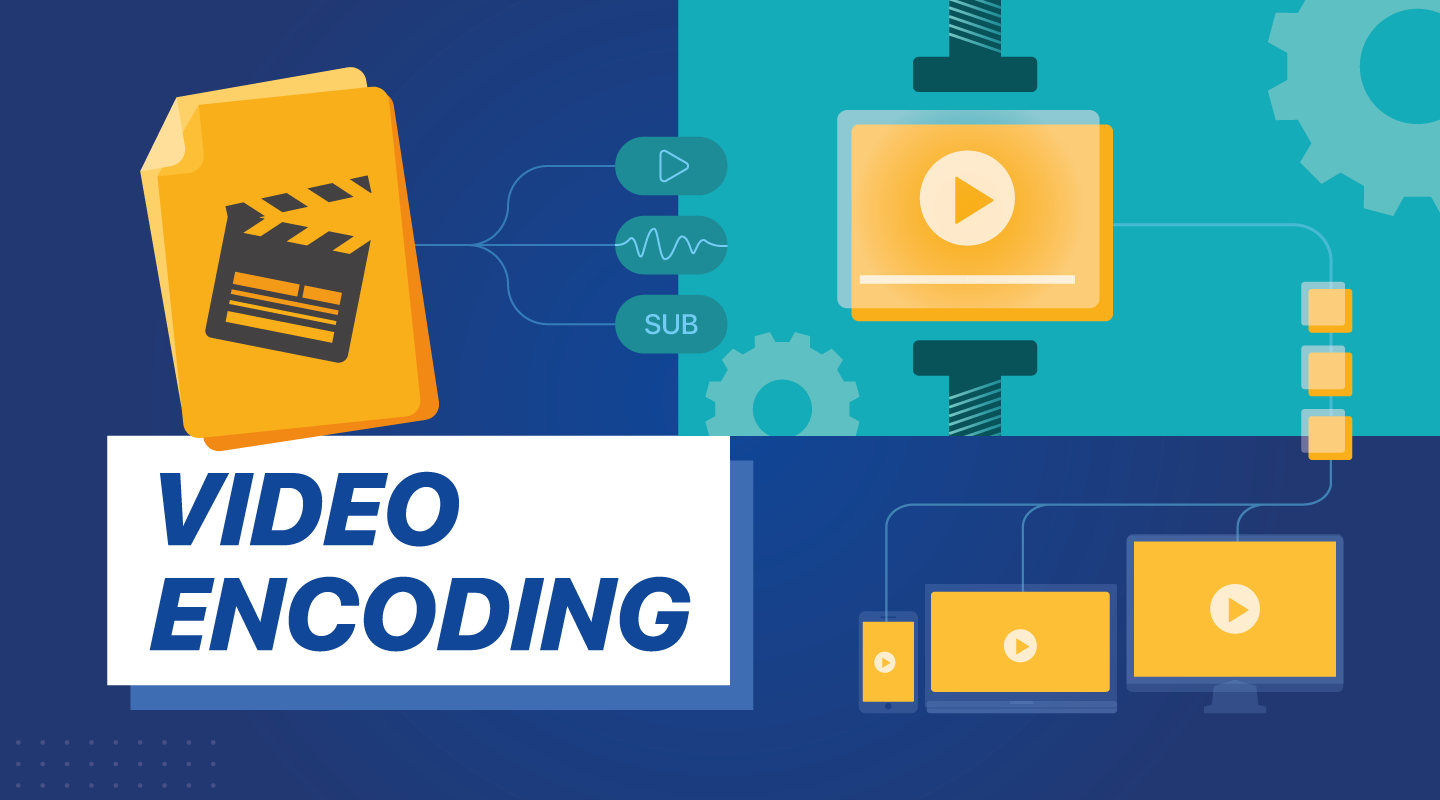
Digital video encoding is the process of converting raw video data into a digital format suitable for storage or transmission. It’s like translating a book into a language that computers can understand. Video encoding algorithms handle this translation, transforming analog video signals or raw digital data into compressed video files.
One crucial aspect of digital video encoding is achieving a balance between file size and video quality. This delicate dance requires careful selection of encoding parameters, such as bitrates, resolutions, and encoding profiles. Digital video encoding is vital for various applications, from creating streaming-friendly video content to optimizing video playback on mobile devices.
Video Encoding Optimization
Video encoding optimization is akin to fine-tuning the performance of a race car. It involves selecting the right video encoding settings to achieve the best possible output. Optimal video encoding enhances video quality, minimizes file size, and ensures compatibility with target devices or platforms.
To achieve video encoding optimization, professionals must choose the appropriate techniques and settings for each type of content. It’s like tailoring a suit for a specific occasion—different videos may require different encoding approaches. Factors such as resolution, bitrate, and codec selection all play critical roles in the optimization process.
Video Compression vs. Encoding
Video compression and video encoding are closely related but distinct processes. Video compression primarily focuses on reducing file size, while video encoding involves the transformation of video data into a digital format. Think of video compression as a suitcase that shrinks to fit more items, and video encoding as translating a book into a digital language.
Video compression employs algorithms to eliminate redundant information and compress video files, making them smaller. In contrast, video encoding encompasses the entire process of converting video data, including compression. Both are essential for efficient video storage and transmission, but they serve different purposes within the video production and distribution pipeline.
Hardware Acceleration in Video Encoding
Hardware acceleration in video encoding leverages specialized hardware components to enhance the encoding process. It’s like having a dedicated co-pilot in an aircraft, sharing the workload and increasing efficiency. Hardware acceleration significantly speeds up video encoding tasks, reducing processing time and energy consumption.
Graphics processing units (GPUs) and dedicated video encoding chips are examples of hardware used for acceleration. These components offload encoding tasks from the CPU, allowing for smoother video playback and faster video processing. Hardware-accelerated encoding is particularly crucial in applications like gaming, video conferencing, and real-time video streaming.
Video Encoding for Streaming
Video encoding for streaming is a specialized application of video encoding tailored to deliver content over the internet. It’s like preparing a gourmet meal for delivery, ensuring that it arrives at its destination in the best possible condition. Streaming video encoding optimizes video files for smooth, buffer-free playback on various devices and network conditions.
Adaptive bitrate streaming, a common technique, adjusts video quality in real-time based on the viewer’s internet connection speed. This ensures a seamless viewing experience, regardless of fluctuations in bandwidth. Video encoding for streaming plays a pivotal role in the world of online entertainment, from YouTube videos to live sports broadcasts.
Adaptive Video Encoding
Adaptive video encoding is a dynamic approach that tailors video quality to match changing network conditions. It’s like driving a car with adaptive cruise control, adjusting your speed to maintain a safe following distance. This technique ensures that viewers receive the best possible video quality, even when faced with unreliable or fluctuating internet connections.
Adaptive video encoding relies on the segmentation of video content into multiple quality levels or bitrates. When network conditions change, the player seamlessly switches between these segments to maintain uninterrupted playback. This technology is particularly valuable in streaming services, where viewers expect a consistent experience regardless of their connection.
Video Encoding and Decoding
Video encoding and decoding are two sides of the same coin in the world of digital video. Encoding is the process of converting raw video data into a compressed digital format, while decoding involves converting compressed video back into a usable form. It’s like sending a secret message that can only be read by the intended recipient—encoding and decoding ensure that video content is accessible and playable.
Video codecs like H.265 (HEVC) and VP9 are responsible for both encoding and decoding operations. When you stream a video online or watch a movie on your device, these codecs work behind the scenes to deliver the audiovisual experience you enjoy.
H.264 Video Encoding
H.264 video encoding is a widely adopted video compression standard known for its efficiency and versatility. It’s like a Swiss Army knife in the world of video codecs, capable of handling a variety of applications. H.264 excels in balancing video quality, compression efficiency, and compatibility.
This codec is commonly used in video streaming, video conferencing, and online video platforms like YouTube. Its ability to deliver high-quality video with relatively low bitrates has made it a popular choice for a wide range of video content, from webinars to high-definition movies.
HEVC (High-Efficiency Video Coding)
HEVC, or High-Efficiency Video Coding, represents a significant advancement in video compression technology. It’s like upgrading from a compact car to a high-performance sports car in terms of compression efficiency. HEVC offers superior video quality at lower bitrates compared to its predecessors.
HEVC is particularly valuable for applications requiring ultra-high-definition video, such as 4K and 8K content. It reduces storage and bandwidth requirements while maintaining stunning visual clarity. As video resolutions continue to climb, HEVC plays a crucial role in delivering immersive viewing experiences.
Video Encoding for Mobile Devices
Video encoding for mobile devices is a specialized approach to ensure optimal video playback on smartphones and tablets. It’s like tailoring a suit to fit perfectly; mobile video encoding adapts video files for small screens and varying device capabilities. This optimization ensures a seamless and enjoyable viewing experience on mobile platforms.
Efficient video encoding for mobile devices involves considerations like resolution, bitrate, and codec selection. These factors impact not only video quality but also device battery life and data usage. Mobile-friendly video encoding is essential for mobile apps, social media platforms, and on-the-go entertainment.
Video Encoding for VR Content
Video encoding for virtual reality (VR) content presents unique challenges and opportunities. It’s like creating an immersive world within a digital realm, where every detail must be meticulously encoded to deliver a lifelike experience. VR video encoding focuses on maintaining high resolutions, frame rates, and low latency to transport users to virtual worlds.
One of the key aspects of VR video encoding is 360-degree video support. VR users can explore their surroundings by looking in any direction, requiring specialized encoding techniques to ensure smooth and responsive interaction. VR content creators rely on advanced video encoding to bring their virtual adventures to life.
Video Encoding Quality Settings
Video encoding quality settings are the dials and knobs that fine-tune the video encoding process. They’re like the controls on a professional camera, allowing you to adjust settings like exposure, focus, and white balance. These settings play a crucial role in determining the visual and auditory quality of the encoded video.
Key quality settings include bitrate, resolution, frame rate, and codec selection. Choosing the right combination of these settings is essential to achieve the desired video quality and file size. Whether you’re producing high-definition videos for streaming or optimizing videos for mobile devices, understanding and mastering these settings is fundamental to video encoding success.
In the intricate world of video encoding algorithms, each facet serves a unique purpose. From the artistry of video compression techniques to the precision of hardware acceleration, these elements work together to deliver the videos we watch every day. As we explore the depths of digital video encoding, we unlock the secrets that make our viewing experiences seamless and immersive.