What are MP3 and AAC? Which one should I choose to use?
Music has passed through discs and CDs, and now more and more people listen to it by putting data on their smartphones or streaming it over the Internet.
/AAC-vs-MP3-861dbce7e28045dda598a9c5cd2a6b65.jpg)
One of the things that comes to mind are the words MP3 and AAC that are attached to music files. What the hell is this? In this article, I will explain these two words!
Lossy compression for MP3 and AAC
Generally speaking, MP3 and AAC are the forms of music converted into digital files. The MP3 and AAC forms have their own characteristics, but what they can say in common is that they are both lossy compressed sound sources.
Lossy compression, that is, a method that reduces the amount of data but is irreversible due to data loss. However, this missing part is mostly a super treble part that is difficult for humans to hear, so it doesn’t mean there is no vocal voice. Are you sure.
MP3 with many compatible devices
MP3 is the official name of MPEG1 Audio / Layer3, and it was born in 1992! It is quite an old format.
At that time, the Internet was completely different. If you say that it was natural to exchange at low speed which is incomparable with the speed at which “communication with smartphone slowed down due to speed limitation”, you can understand the horror.
In such circumstances, how to reduce the file size is important, and thus the compression format called MP3 was born. It can be said that the format sacrifices sound quality in order to reduce file size.
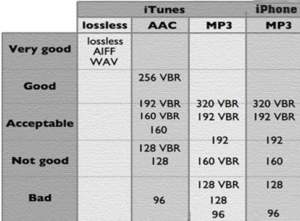
However, even in MP3, if the bit rate (the unit is bps), which is the amount of data per second, is set to 320 kbps, the sound quality will improve a bit. This is the same for AAC, which will be explained later.
MP3 is an old format, but on the contrary, it is a format with a fairly high penetration rate. Almost all compatible devices have the advantage that they can be used in any terminal without any problem.
AAC, the successor to MP3
The official name of AAC is Advanced Audio Coding. Born in 1997 as a successor to MP3. Improvements have been made since then, and the AAC currently in use is the 2006 AAC-HE V2.
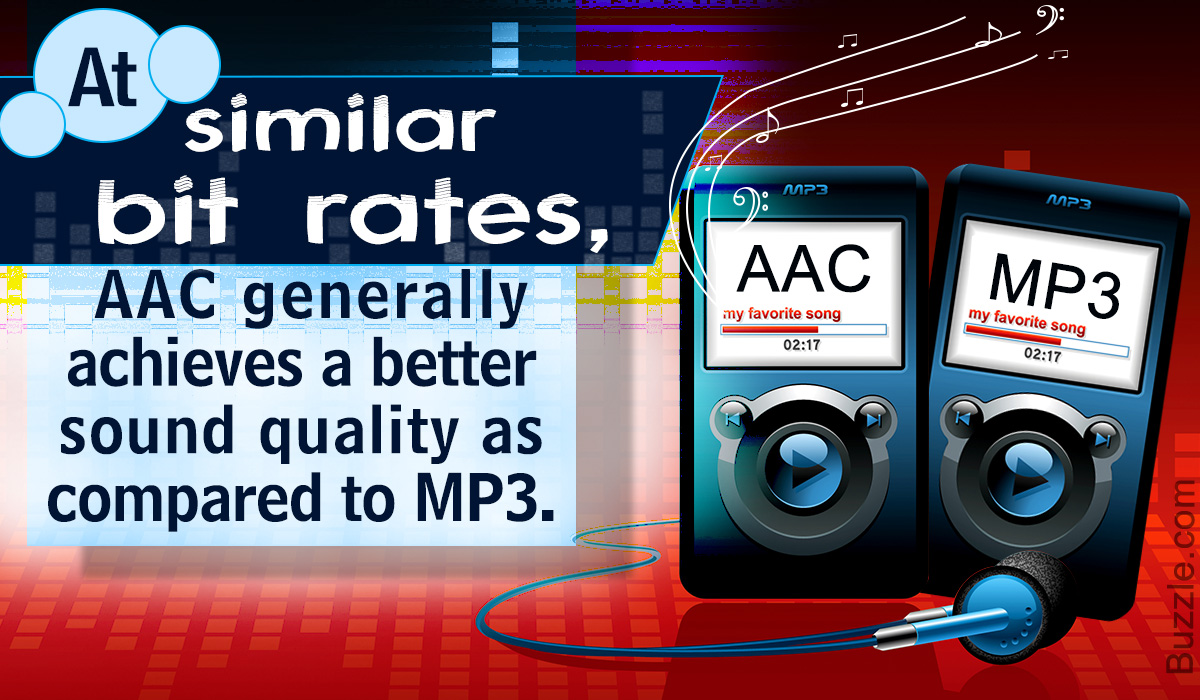
Generally, AAC is said to have superior sound quality than MP3 if the compression ratio is the same, and it is a format that is also used for digital terrestrial broadcasting on TV.
Apple, which makes iPhones, is active in using AAC. ITunes Store download sales are AAC / 256kbps, which is the standard when importing a CD with iTunes.
Compared to MP3s, the number of compatible devices is reduced, but it can still be played on most terminals.
Other music file formats
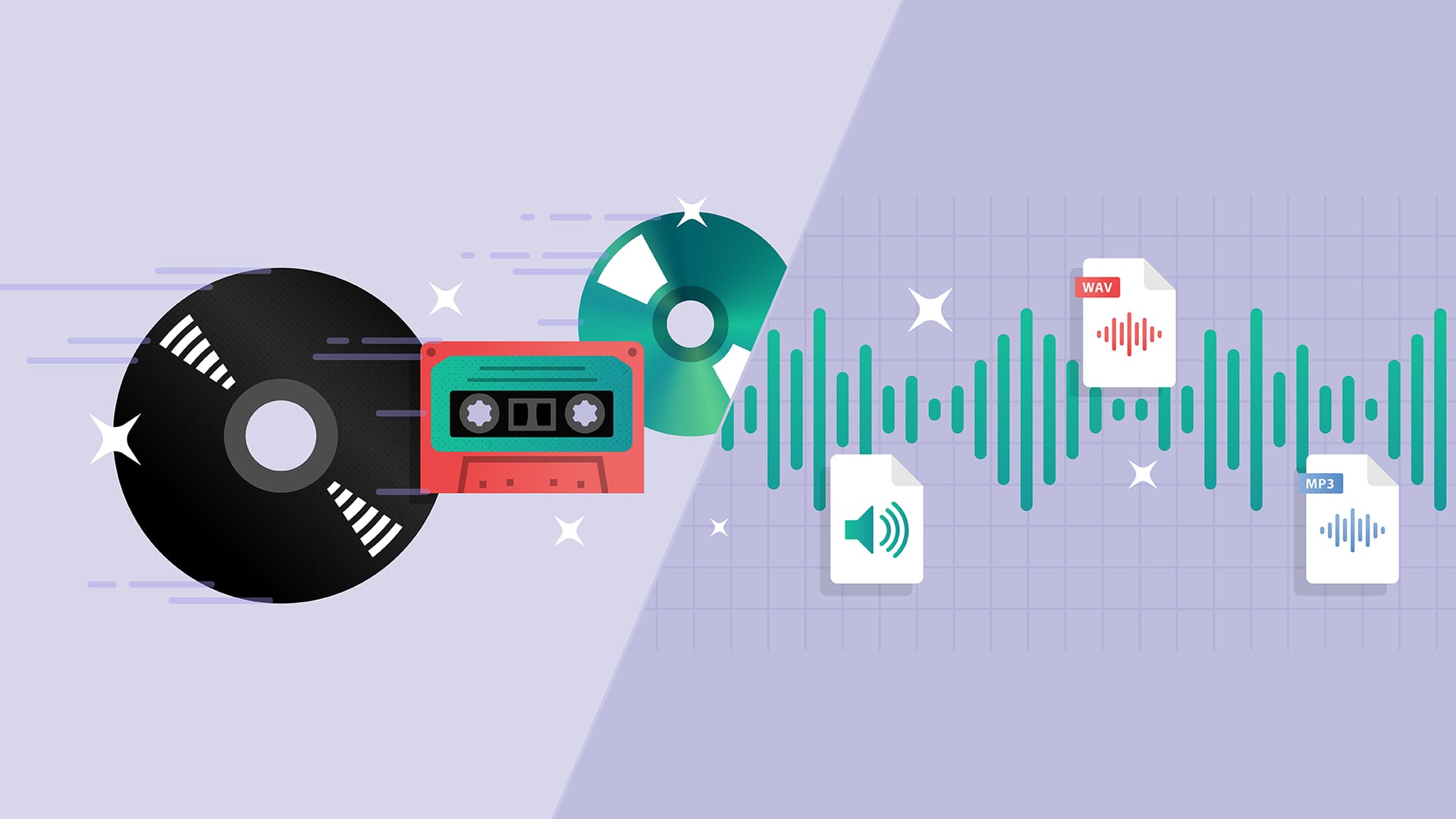
There are also other music file formats. Lossless compressed and Apple Lossless FLACs, and uncompressed AIFF and WAVs are well known. Lossless compression is the opposite of lossy compression and is a format that can be undone. Therefore, the sound does not deteriorate, but the compression ratio is lower than lossy compression. Uncompressed is a format that has the same sound and capacity.
Which is better, MP3 or AAC?
Now that the speed of Internet communication is increasing, it seems unlikely that MP3 and AAC will come into play at first glance. However, there are restrictions on the amount of data communication from mobile phone companies, so you cannot listen to large music files over the Internet.
So I think I should save it to the terminal, but this time the data area of the terminal will be bloated. Due to such circumstances, the MP3 and AAC formats are still active. So which of these two should you choose?
There are various theories, but this is still AAC. Since it is a newcomer, the sound quality is better than lossy compression, and the data capacity can be suppressed. MP3 is an option only if you are using a device that does not support AAC.