
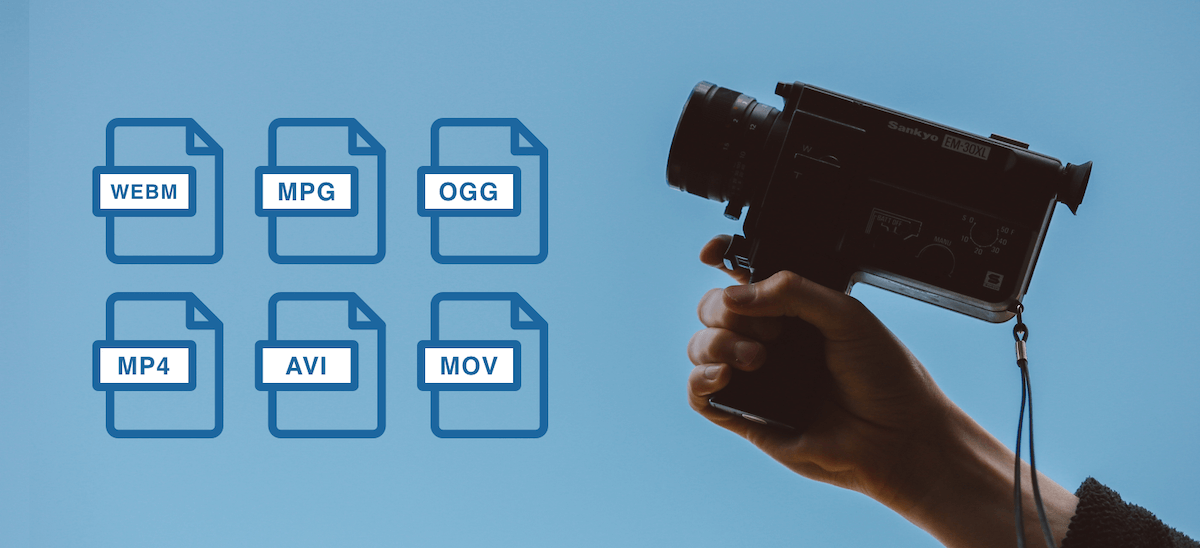
Codecs are not only available for video, but also for audio and images. For example, when the software needs to create a video file, it uses a codec for video and audio and creates a video file from it.

What are codecs?
Codecs, as their name suggests, encode (German = “encrypt” or “translate”) and decode (“decrypt”) information. The English word codec means a system of rules or agreements. Its origin is found in the English words En code (encoding) and De code (decoding). The codec “translates” a video from one format, which can be the original or an already encoded format, to other video formats and vice versa.
The task of the codec is to “know” how the data is compressed and how it can be restored (= replayed). Playback software and programs, for example Windows Media Player or the free-to-use, portable VCL player, benefit from codecs.
Often times, it can automatically recognize the codec in a file and find the correct codec to play it back. Or put another way: as long as a player recognizes the codec and has access to it, they can play the corresponding file. In this case, the user cannot make any difference in what video format a video file is available.
A professional video or movie is never tied to a specific compression method or video codec and formats. Depending on the application (distribution on TV, such as web content or on Blu-Ray Disc), a movie or video can appear in many different forms.
From a technical point of view, a codec is a pair of algorithms that encodes or decodes digital data.
Tech professionals will find that some of the formats in this article are called codecs, but not strictly codecs. In a more strict sense, a codec is only defined as a codec if there is an encoder on one side and a decoder as a “counterpart” on the other. If it is only encoded or only compressed, or vice versa, only decoded or only decompressed, this does not correspond to the scientific definition of a codec. However, this distinction is ignored in everyday video formats.
Codecs determine how data is compressed.
What does compression mean?
With today’s technology standards, the image information of an average high definition movie is at least 131GB, without sound. This amount of data makes it impossible for a movie to fit on a commercially available data medium (Video DVD, Blu-ray Disc).
The smaller the amount of data in a video file, the easier it will be to stream, edit, or save that file. However, at the same time, the quality of a movie or video should not be visibly reduced. Therefore, compression algorithms use sophisticated mechanisms and simplify and summarize the data. From an algorithmic point of view, the “least important” information is not saved. They are lost during the compression process and can no longer be rebuilt by decompression.
The newer codecs achieve sensational compression rates of up to 1: 500. Older video compression methods, still used today in the form of older codecs, can, conversely, “only” achieve values of 1: 5 (= 100 times worse!).
Video compression originates from the compression of a single image (so-called still image compression). Codecs for single image compression optimize each image individually and one after the other. Modern video formats thus achieve a compression ratio of 1:10 on all video.
Newer codecs have optimized this process: they use similarities between individual partial images wherever they exist, resulting in huge savings potential at 25 individual images per second. This can also be seen in the compression rates, which with the new methods are well above 1: 100, and this with little loss of quality.
Video encoding and compression processes for video formats will only gain market acceptance if the largest possible group of users can use them. That is why there are not only codecs established by global corporations like Microsoft and Apple, but also codecs that have been standardized by international organizations. The best known body of this type is the Moving Expertes Group (MPEG). Good to know: because MPEG cooperates with the International Telecommunication Union (ITU), for example, cooperating partners assign different names to identical procedures. This is why H.264, MPEG-4 AVC, MPEG-4 / Part 10 or ISO / IEC 14496-10 are the same format.


