
Video compression

Video compression (video compression) is the art of removing the maximum possible amount of data without noticeable degradation in quality.
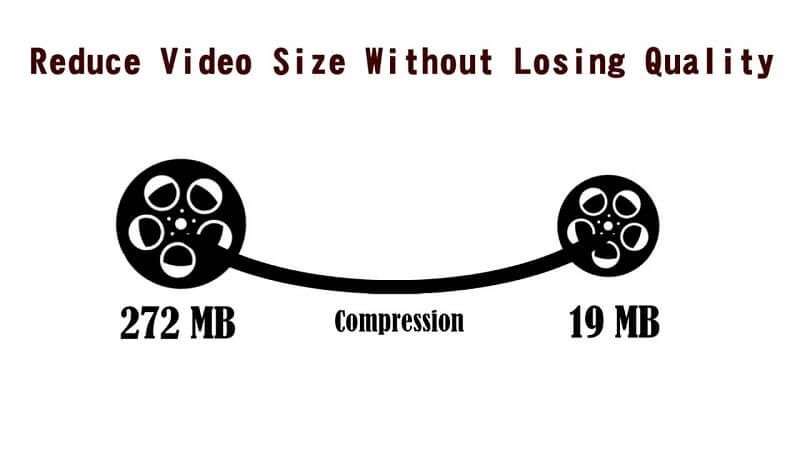
Most common compression methods are lossy (lossy), ie the unpacking result is not identical to the original source. By reducing resolution, color depth, and frame rate, postage stamp-sized video first appeared on PC, but then ways were developed to better render images and reduce data volume without affecting images. physical dimensions. Video compression is implemented by so-called codecs (codec – from COmpression / DECompression). Various types of codecs were developed, implemented in hardware, software or hardware-software, which provided efficient video compression and decompression.
Lossy compression techniques reduce data size (through complex mathematical transformations and the selective removal of visual information that our eyes and brains often ignore) and can result in degraded image quality. On the other hand, lossless compression only removes redundant information. Codecs can be implemented in hardware, software, or hardware / software. Codec compression ratios range from 2: 1 to 100: 1, allowing it to handle large amounts of video data. The higher the compression ratio, the worse the resulting image will be. It shows faded colors, distortions and interference, the outlines of objects become sharper, and in the end the result may be useless.
At the end of the 90s of the last century, the most used methods were based on a three-stage discrete cosine transformation algorithm (Discrete Cosine Transform – DCT). The DCT algorithm takes advantage of the fact that neighboring pixels in an image (physically close, in space, or close in successive images, in time) can have the same meaning. The mathematical transformation (similar to the Fourier transform) is performed on 8×8 pixel grids; this explains the block distortions (artifacts) at high compression levels. Low-frequency components have been shown to be more important than high-frequency components in visual systems. Consequently, the quantization process weights them and removes those that contain the least visual information depending on the level of compression required. For example, deleting 50% of the converted data can result in the loss of only 5% of the visual information.
Compression was originally done in software. Insufficient processor power limited the algorithm to execute its task in 1 / 25th of a second, that is, the time it takes to form a frame of fully moving (“live”) video. However, Avid Technology and other non-linear editing (NLE) pioneers released PC-based editing systems that used software compression in the late 1980s. Although the video had a quarter of the resolution of the broadcast television, color fade and block distortion, the NLE system revolutionized the production process. In the beginning, these systems were used for offline editing, when the material was polished with software.
Although the video quality of early PC-based NLE systems was inferior to the quality of offline editing with VHS VCRs, NLE systems had certain advantages. As a word processor for video, they provided a faster and more creative work style. The user could quickly cut and paste parts of the video, enhance them, and perform various editing actions typical of the production process. Also, importing the NLE-generated Edit Decision List (EDE) onto a floppy disk on an online computer was much more convenient than writing a temporary code list. The NLE system not only provided a more convenient edition, but also provided an offline product close to the final version,
However, NLE systems practically disappeared in 1991 when hardware compression provided VHS quality video. The first hardware video compression was called M-JPEG (Motion JPEG). It is derived from the DCT standard for still images called JPEG. This standard was never designed for video compression, but when C-Cube released a codec chip in the early 1990s that could compress JPEG up to 30 still images per second, the pioneers of NLE systems couldn’t resist for long time. By compressing data 50 times, personal computers were able to process digital video.
Meanwhile, PCs were getting faster and memory cheaper, allowing for lower compression ratios with better capacity.

