
How is file compression done?
As there are many computers, their owners do not have enough memory on internal and removable drives to accommodate their data. The rapid growth of disk volumes does not solve this problem. If 10 years ago we did not have 20 megabytes on the hard drive, today 20 gigabytes are the same.
The size of the programs and data we use grows with the growth of hard drives. We can already afford to store a library of tens of thousands of books on our hard drive. But we can store music compositions on the hard drive for several hundred hours of sound and video, only a few tens of hours of viewing. Therefore, the problem of archiving or compressing data is still as urgent as it was 10 and 20 years ago.
How does information compression occur?
Let’s give you, as usual, a rough but understandable analogy. Data compression is similar to the production of powdered milk or dried fruit. That is, it is the process of removing water, which can then be added to give the product its original appearance.
And what kind of water can there be in the data? This water is informative. There are many repetitions in the data. This can be used to compress data.
For example, compressing text files goes something like this. A table of words and expressions found in the text is compiled. Then all the words and expressions in this table are given numbers. And all the text in the file is replaced with numbers from the word and expression table. This method allows you to reduce the size of a text file 2-3 times. Sometimes the text is compressed up to 10 times, if there are many repetitions in it.
A program that converts a text file into a “compressed” format is called a wrapper. And the file resulting from compression is called a packed or compressed file.
Compressed files are often called archives or archives, which is, strictly speaking, a misnomer. The files were originally called files that were created especially during backup processes. During this process, a single file was created, containing multiple source files and folders. This was the file. Compression was not performed. A similar situation still exists in the Linux operating system, where archiving and data compression are two independent processes. In the MS-DOS operating system, and later in MS Windows, the data compression programs of their early versions began to support both compression and data archiving, that is, they created a compressed file that contained not one, but several source files and folders (archived). … Since then, in these operating systems, the concept of ”
Since the archive file is not written in text format, text editors cannot work with it. Before opening the archive file with a text editor, this archive must be unzipped. The decompression is done using the same program: a filing cabinet. After unzipping, the text file takes on exactly the same look and size as before.
Text filing cabinets can also archive program files. Only programs are much less compressed than text.
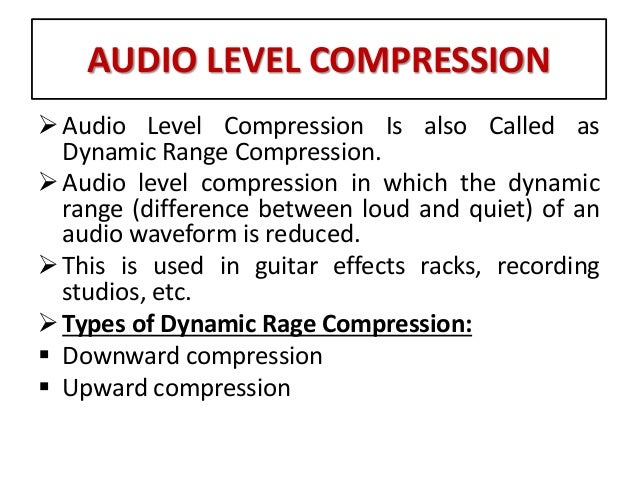
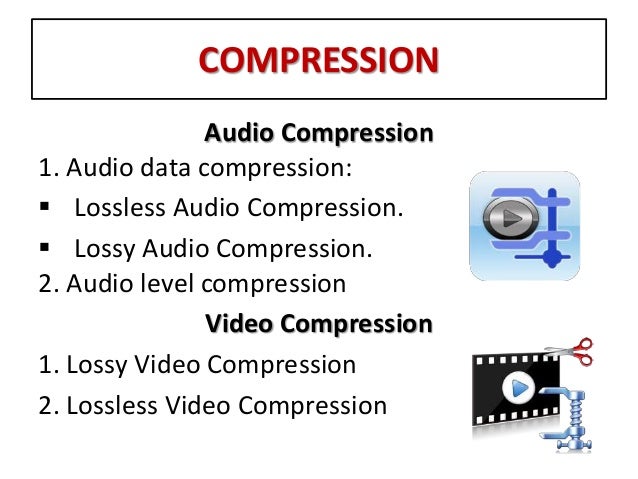
The packers used to compress text and programs cannot efficiently compress audio, graphics, or video files. Other more complex algorithms have been developed for its compression. However, after unpacking, the resulting files differ slightly from the originals (this compression is called lossy compression). But the common human ear does not pick up on this and the common eye does not notice it on the monitor screen.
A brief history of filing cabinets
From what I remember, the first popular data file cabinet was the file cabinet named “ARJ”. Created archive files with a similar extension “ARJ”. It was in the late 80s, early 90s of the last century. These files are still in existence today. They are generally written in DOS encoding.
Then the two most popular archivers on the territory of the CIS appeared: “RAR” and “ZIP”. They are now represented by the “WinRAR” and “WinZIP” programs. Also, the “WinRAR” program can create both “RAR” and “ZIP” archives. And “WinRAR” can unzip files from a dozen formats. In this sense, “WinRAR” is for us a universal and convenient (but not free) archiver.

