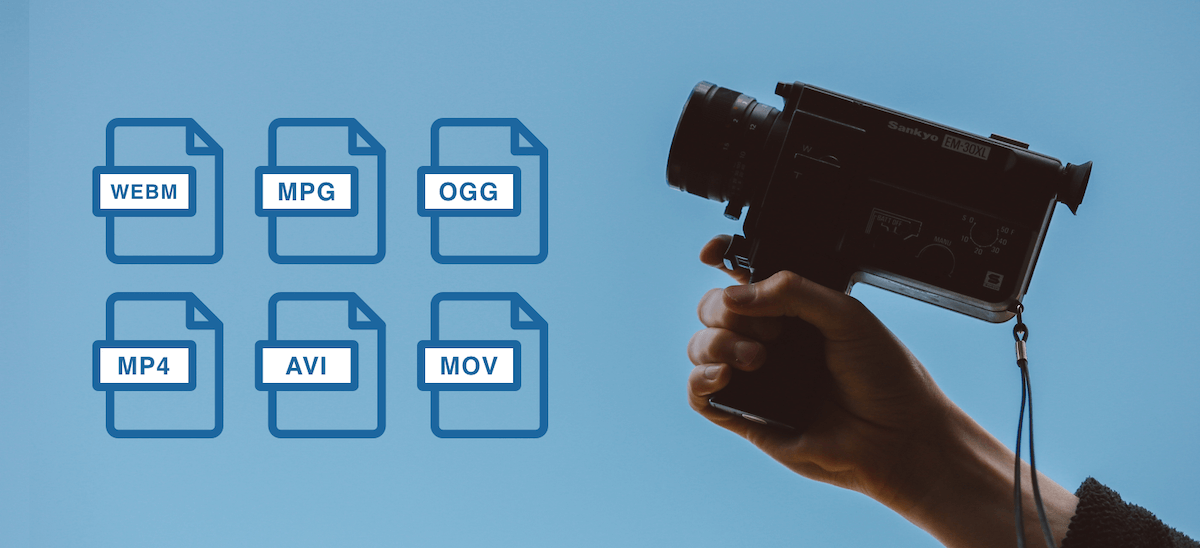
Which video format is the best?


Free Download Mp4Gain
picture

Which video format is the best?

Video Format

At the moment, you have a large number of different options for storing and presenting information. There are many different video formats, each with unique characteristics. And although a modern video converter supports many formats at the same time, you must first find out which video format is better.

video formats

To convert any information into digital form, special programs are used – codecs. They create a special file – a container in which all the data is stored. You should not confuse these concepts, as they mean fundamentally different things.

A codec is a special computer program that converts a stream of data or a signal for later use. Codecs transform the information available to store it more optimally and compactly. In this case, the main structure of the file (container) remains the same, only the way the data is presented changes. The most popular codecs for video recording are: DivX, XviD, MPEG2, H.264, etc. If you decide to record a movie or, for example, create a slide show online, you must decide which video codec to use. Familiarity with the main codecs will help you determine which video format is best.

XviD is a modern MPEG4 codec. Allows you to obtain high definition images in dynamic scenes. Therefore, when choosing a codec, proceed from the characteristics and characteristics of the video file itself. This will allow you to understand which video format is best for a particular case. Unlike DivX, XviD is free software released under the GNU license.

DivX is one of the most popular video codecs. Provides high-quality images. The files converted with this codec are small and can be viewed on almost all modern DVD players. As of the fifth version, you paid for encoding.

H.264. Compared to the two previous video codecs, H.264 is more efficient and offers higher compression rates without compromising on quality. However, as a general rule, this codec is not available on the computer initially and must be installed additionally.

MPEG2 is a popular video standard that is actively used in digital television to provide high-speed information transmission. In addition, the MPEG2 codec is used when recording DVD discs, as well as in video compression systems.

On the Internet, you can find compressed files using a wide variety of codecs, both popular and rare. Quick and convenient it will allow you to open and convert videos of any format.

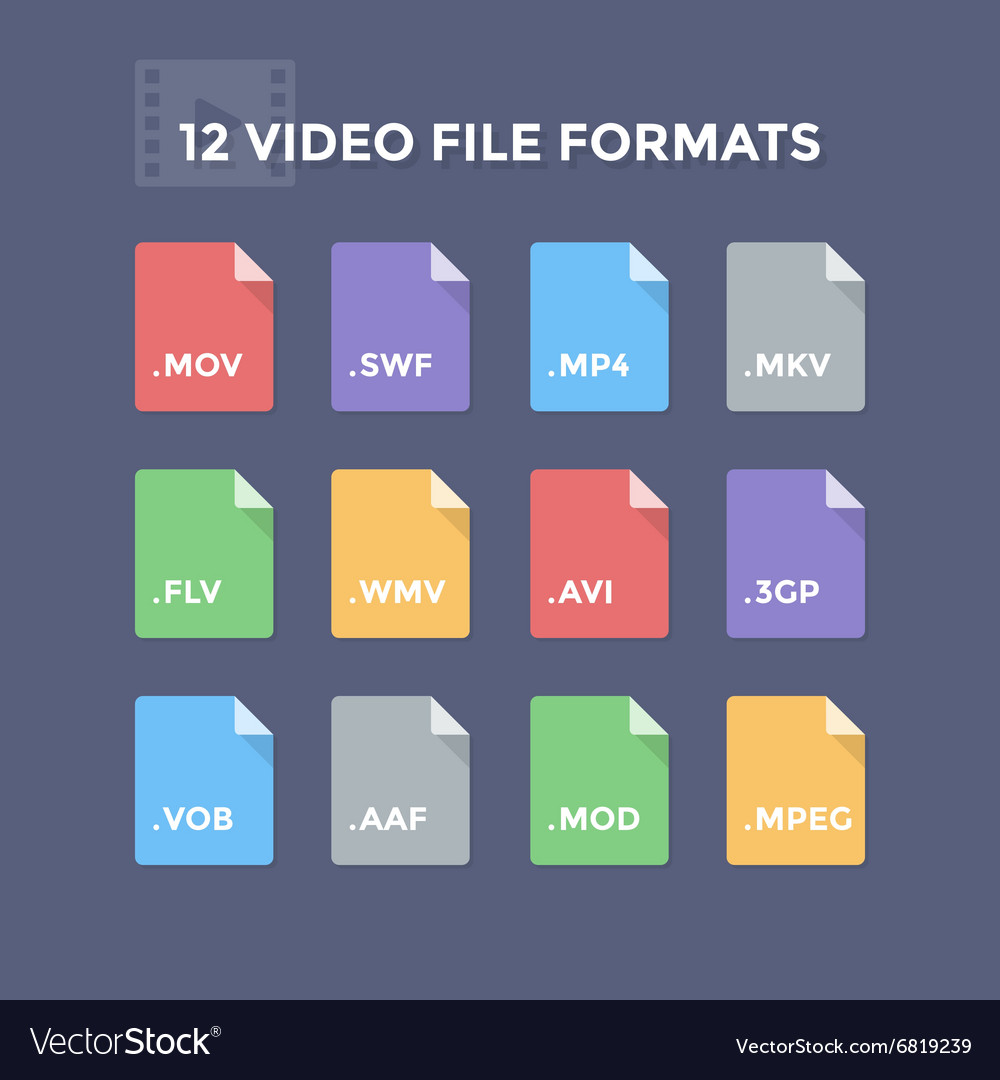
The codecs then convert the information into a special file called a container. A container is a kind of shell in which the information converted by codecs is stored digitally. The container structure is heterogeneous and includes several components: video stream, audio stream, various additional information (file information, titles, etc.). Therefore, the container itself cannot convert information, it only serves to store it. The most common containers are AVI, TS, MP4, MKV. Let’s look at some of them in more detail to answer the question, which video format is the best?


Free Download Mp4Gain
picture


Mp4Gain Main Window
picture


Mp4Gain Features
picture


Free Download Mp4Gain
picture

Video formats and video standards

Video formats and video standards

Video file formats

First, let’s decide the video standards. They should be taken into account when creating a video movie or video.

Video formats

PAL and NTSC standards
PAL is a video standard for analog color television used in Europe and Russia: 720×576 video size, 25 fps (25 frames per second).

NTSC is a standard for analog color television, developed in the USA, with a resolution of 720×480, 29.97 fps.

There is also the SECAM standard developed in France.

When creating a video in the editing program, converting it, burning it to a disc, make sure that the PAL standard is selected in our settings (if you live in Europe). Learn more about video standards.

At the time of writing this article (2010) this was very relevant, but now analog television is actively being replaced by digital and will soon be completely supplanted.

VHS – Analog Video is the format of video tapes, which was (and still is) seen on the VCR.

DV (Digital Video) is a video format jointly developed by the world’s leading video companies for digital recording. This format has a low video compression ratio (5: 1) and provides high quality video recording. In this format, video is recorded with MiniDV cameras.

The DV format is characterized by a large video stream and consequently has a large output video file. An hourly recording on a MiniDV cassette will have a volume of approximately 12-13 GB, or 1 minute – 200 MB.

The resulting video must be compressed for later viewing on a computer, projector, DVD player, on the Internet. Those. From the resulting high-quality video, we can obtain any format we need with the appropriate quality.

Attention! It should not be confused with the DVD (Digital Video Disc – DVD), a disc with digital information, what we call in the life of the DVD-ROM.

AVCHD – high definition video format, means: advanced video coding – advanced video coding, HD – high definition – high definition. This is the most modern format used in HD cameras. More >>

Compression standards
MPEG is one of the main compression standards. The abbreviation MPEG (Moving Pictures Expert Group) is the name of the international committee that develops this compression standard. Its varieties:

MPEG-1 – a compression format for compact discs (CD-ROM). The video quality is the same as that of a normal VCR, the resolution is 352×240, a disc with a movie in this format is usually designated as VCD (VideoCD). It is rarely used now.

MPEG-2 is a format for DVD, digital television. In this format, video is recorded with DVD, HDD and Flash cameras.

MPEG-3: not currently used. Do not confuse it with MP3 (MPEG Audio Layer 3) – audio compression technology.

MPEG-4 is a format obtained using the popular DivX, XviD, H.264, etc. codecs. It is often simply called MP4. It reduces the video stream even more than MPEG-2, but the picture is of decent quality, so this format is compatible with most modern DVD players. Of particular note is the high-quality video compressed with the latest-generation H.264 codec.

Yandex.Direct
Free Vov Sirus server
Unique content. Promotions for beginners. More than 15,000 online. Ahead!
Learn more
sirus.one
18+

HD (high definition) is a high definition format, a new format for high definition images. Currently, two varieties are used: with a resolution of 1280×720 and 1920×1080, both are designed for a frame with an aspect ratio of 16: 9 and a square pixel.

There is also the so-called anamorphic version of HD video with a resolution of 1440 x 1080 and an aspect ratio of 16: 9, which is explained by a rectangular pixel (1.33 aspect ratio).

Recently, most consumer cameras have been recording in HD format based on the MPEG-2 codec. The video quality is high, but to watch HD videos, you need to have the appropriate display equipment (for example, an LCD or plasma TV with a large diagonal), otherwise you will not be able to appreciate the video quality (watch and edit HD videos).).

Video file extensions
AVI
AVI (Audio-Video Interleaved) is an extension of a large number of video files, but it is not a format or codec. It is a container developed by Microsoft that can store 4 types of transmissions: video, audio, text and midi.

This container can contain video of any format from mpeg1 to mpeg-4, sounds of different formats, any combination of codecs is possible.

What is video format and which one is better?

What is video format and which one is better?

Video File Formats

If you went in and read this text, it is likely that you have already encountered the difficulties of video playback and the concept of video format. In this article, I would like to highlight common questions about what is a video format, what formats are there, and what is their difference, as well as give advice on how to choose the most convenient format to store your video.

Video formats

Generally speaking, a video file is a set of still images that switch between each other at a certain frequency. Each image is a separate video frame. This is true when it comes to uncompressed videos. These video files take up a lot of disk space and it doesn’t always make sense to store them. And it makes sense when the video is of optimal quality and size. We can achieve this by using the desired format.

What is the video format?

The video format is determined by two parameters: a container file (in which the recording is stored) and the codecs (used to process sound and images)

What is a container file?

Consider the video recording process on any digital video camera. A video camera records sound and video in separate sequences (tracks), encoding each of them with a special program: a codec. Then both tracks are put into a special file, the same container file, where they are given a description. This information will further help the media player to correctly synchronize the image and sound when playing a video.

What is a codec?
A codec is a program that compresses when recording and decompresses multimedia information during playback: audio, video, etc.

So how are the formats different?

The content of the container file. For example, you can put multiple audio tracks and subtitles in an AVI container. And in the MKV container, you can pack whatever you want: any number of video and audio tracks, animated and test subtitles, fonts for them, and much more.

Codecs used. Despite the wide variety of codecs, each format is “friendly” or compatible only with certain audio and video codecs.

For example, an MPEG container only allows video compressed with MPEG-1 or MPEG-2 codecs. But its younger cousin, the MP4 container, is less demanding on connections: here the choice of codecs will be wider.

Many others stem from these two basic differences:

File size
video resolution
the ability to play videos online
picture quality
other…
There are formats that produce ultra-clear images and great sound, but take up a lot of disk space, and there are formats that cannot boast of video image quality, but take up very little space. Therefore, to the question: “Which of the video formats is better?” – everyone must answer for themselves. Depending on the characteristics of the device on which the movie or clip will be viewed, the best quality, the “clearest” or, for example, the most common format may be the best.

We recommend that you choose for yourself several “on duty” formats, which will be adapted to each one according to your needs. Here are the format guidelines for different storage locations.

Video for online storage:
YouTube, Vk, Facebook, Vimeo
Please use MP4 format with H.264 and AAC codecs. This setting provides the highest video quality with the smallest file size.
Other places
Most modern sites are “compatible” with MP4, FLV, AVI, and WebM, so choose one of them.
Video storage on computer:
If you have a powerful computer (see the specs below), protect your recording in MKV or MTS (M2TS) and enjoy excellent picture and sound quality
Intel, AMD (or compatible) processor with a frequency of at least 1 GHz.
1280×1024 screen resolution, 32-bit color (or higher).
1 GB of RAM for Windows XP, 2 GB for Vista, Windows 7 and 8.
NVIDIA® graphics with CUDA ™ technology support.
If your computer does not meet the above specifications, save the video with a video resolution of no more than 960×540 pixels in MP4, AVI, WMV format if it is Windows OS and MOV or MP4 if you have Mac OS X.
Video for storage on a mobile device:
Convert video for mobile phone with video converter. I recommend FormatFactory. It has many presets for popular models and a simple interface to help you convert your videos to the format you want.

Personally, I think that you should focus on popular video hosting sites like YouTube and Vimeo anyway, and compress videos with compression parameters similar to what these two giants use at home.

WHICH VIDEO FORMAT IS BEST AND WHY: A DETAILED DESCRIPTION

WHICH VIDEO FORMAT IS BEST AND WHY: A DETAILED DESCRIPTION

Video Format

Not all video fans understand how some video formats differ from others. And in vain! After all, if you accidentally or intentionally install the wrong extension in the video editor while saving the project, then serious difficulties with the clip playback can arise. In this article, you will learn about the features of popular extensions and when and which one to choose.

Video File Formats

What video format is better?

Learn about the characteristics of the formats, then you can watch videos on any device!

WHAT IS FORMAT
The format is the structure used to store data. Its designation is an identifier, separated by a period at the end of the name: .wmv, .avi, .mp4, etc.

For a video file, the media container and codec are responsible for the extension. When recording or rendering a movie, the data, including individual frames and an audio track, is compressed and placed in a special container. For later playback, the same video codec is used, which can decode information and display it in its original (or almost original) form. The media container itself cannot determine how the data is encoded, but it works fine with certain codecs. It also stores meta information about the object: size, duration, author, etc.

Both codecs and multimedia containers are involved in the recording and playback process, but the format is indicated precisely by the type of container used: AVI, MPEG-4, MKV and others. Codecs also have their own names: H.264, DivX, Theora. But most of the time they are distributed in packages, and the description does not indicate their names, but the media containers with which they work. This is a simplified answer to the question of what is a format. A more complex one involves many terms that are unnecessary for the average user.

WHAT ARE THE DIFFERENCES BETWEEN CONTAINERS?
In the simplest cases, they only store video and audio streams. In more complex ones, you can save multiple video tracks, synced subtitles, and chapter marks for quick navigation through content.

When choosing which format is best for converting video, you need to remember that certain media containers are used for minimal compression to get an accurate image, but this often results in a large size. Others compress the material more, saving space on the media. Some of them support tracks that are only compressed in specific ways. For example, MPEG-4 Part 14 works with files compressed with H.265 / HEVC, H.264 / AVC, and MPEG-4 Part 2.

WHICH VIDEO FORMAT IS BEST?
Almost any of the extensions have their own advantages, otherwise their existence would be meaningless. But when creating your own movie or, for example, choosing a movie to watch, you have to rely on two components: opportunity and prevalence.

Choose the format according to the device you will see the video on

Capacities mean the number of video tracks that will be stored there, subtitles, chapters, and more. The prevalence depends on the probability that a movie will run on a device without installing additional codecs. If you directly answer the question of which video format is better, then the answer will be one of the three most common: AVI, MKV or MP4.