What is bit depth? part 2

Frequently used bit depth in videos
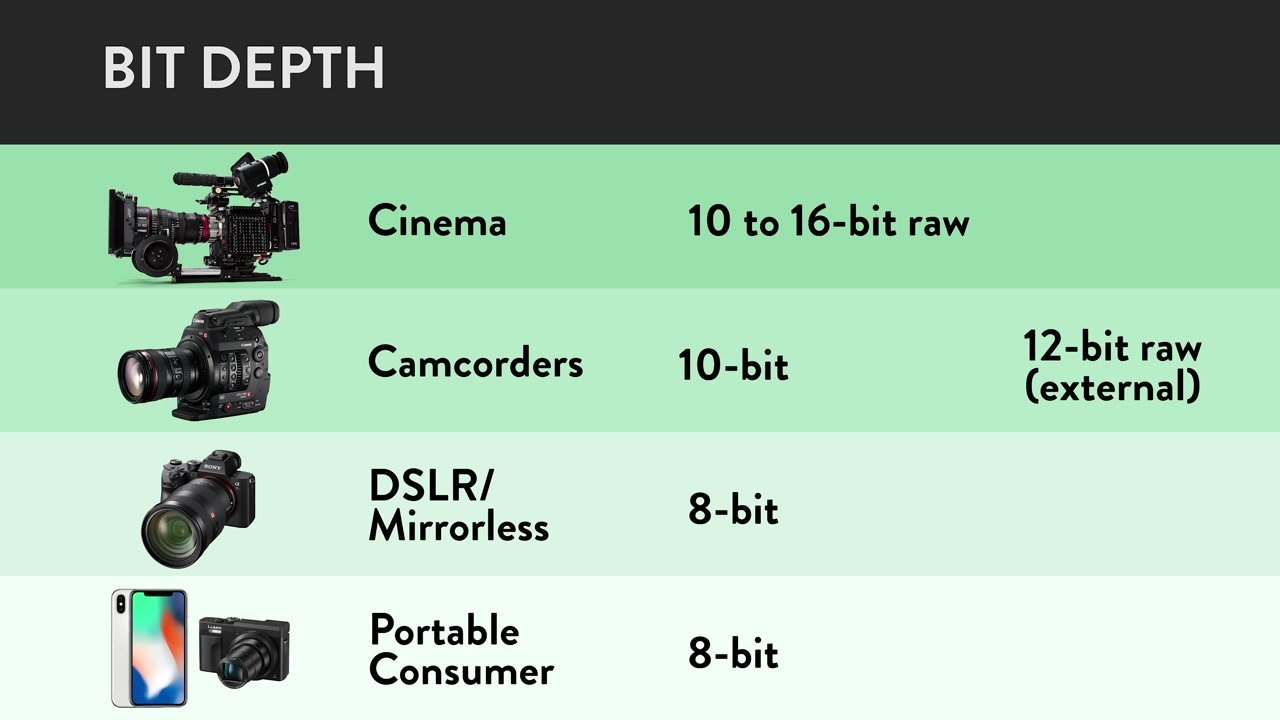
The commonly used bit depth for video is “24 bit” .
We usually look
digital terrestrial broadcasting
BS/CS Broadcasting
Youtube
Nico Nico Douga
· · Etc.
Etc are all 24 bit.
All the encoders that we use regularly are also 24-bit encoded. (Although not shown in settings)
I think it’s good to recognize that “all the videos I usually watch are 24-bit!”.
Difference in the number of colors.
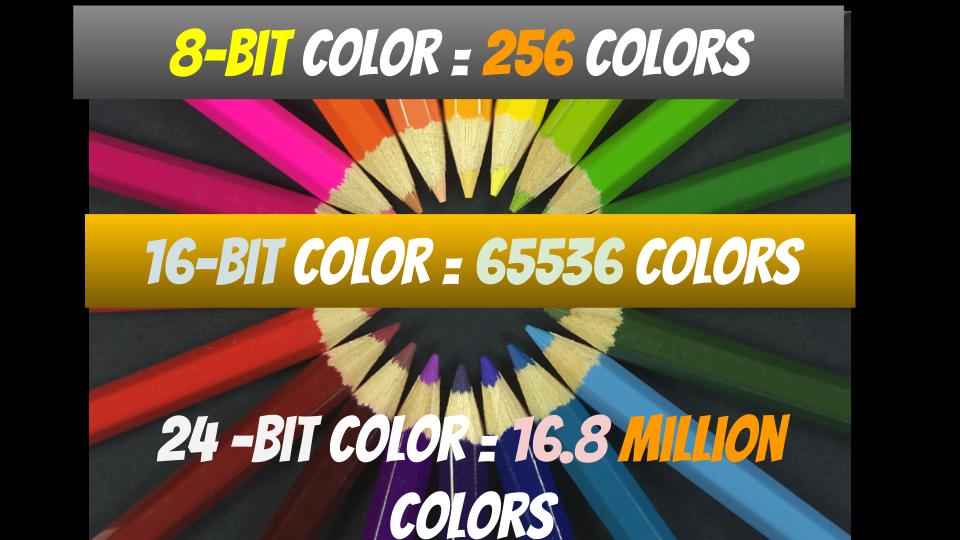
For example, in the case of 24bpp in RGB, 8 bits are assigned to R, G and B respectively.
A: 8 bit
G: 8 bit
B: 8 bit
8 bits is “256” in decimal.
In other words, you can see that “256 colors” can be expressed for each of R, G and B.
Also, there are as many color combinations as there are R, G, and B combinations, so
256 colors ✕ 256 colors ✕ 256 colors = 16777216 colors ≒ 16.77 million colors
Thus, you can see that a total of 16.77 million colors (in the 24-bit case) can be expressed.
By the way, most of the “maximum display colors” of general personal computer screens are 16.77 million colors.
screenshot_2971
▲ (Reference) Display I am using: DIOS-MF241XB specifications | Wide model | IODATA IO DATA DEVICE
As you can see from the specifications of the screen of the personal computer you are using, it probably has 16.77 million colors.
soon,
The number of colors in the videos we usually watch… “16.77 million colors”
Maximum number of colors for the screen we are using… “16.77 million colors”
That is, most of the images that we usually see are “16.77 million colors”, and the maximum number of colors on the screen that we usually use is also “16.77 million colors”.
Image quality comparison
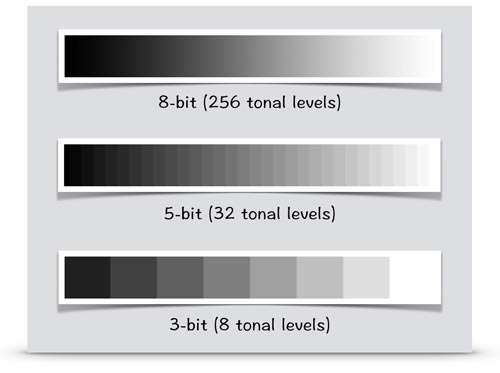
Up to about 24 bpp, the difference in image quality is relatively visible.
2_bit 4_bit 8 bits True Color
▲2bpp ▲4bpp ▲8bpp ▲24bpp
Quote: Color depth – Wikipedia
For example, with an x264 encoder, you can encode at 24 bpp or more with a “high bit depth” setting of 30 bpp (10 bits each), but you can barely tell the difference from 24 bits.
x264_high bit depth
▲ In case of x264guiEx from AviUtl
Also, (as mentioned above) most PC screens can only express up to “16.77 million colors (24-bit)” in the first place.
Therefore, in most personal computer environments, it is (physically) impossible to distinguish between 30-bit and 24-bit.
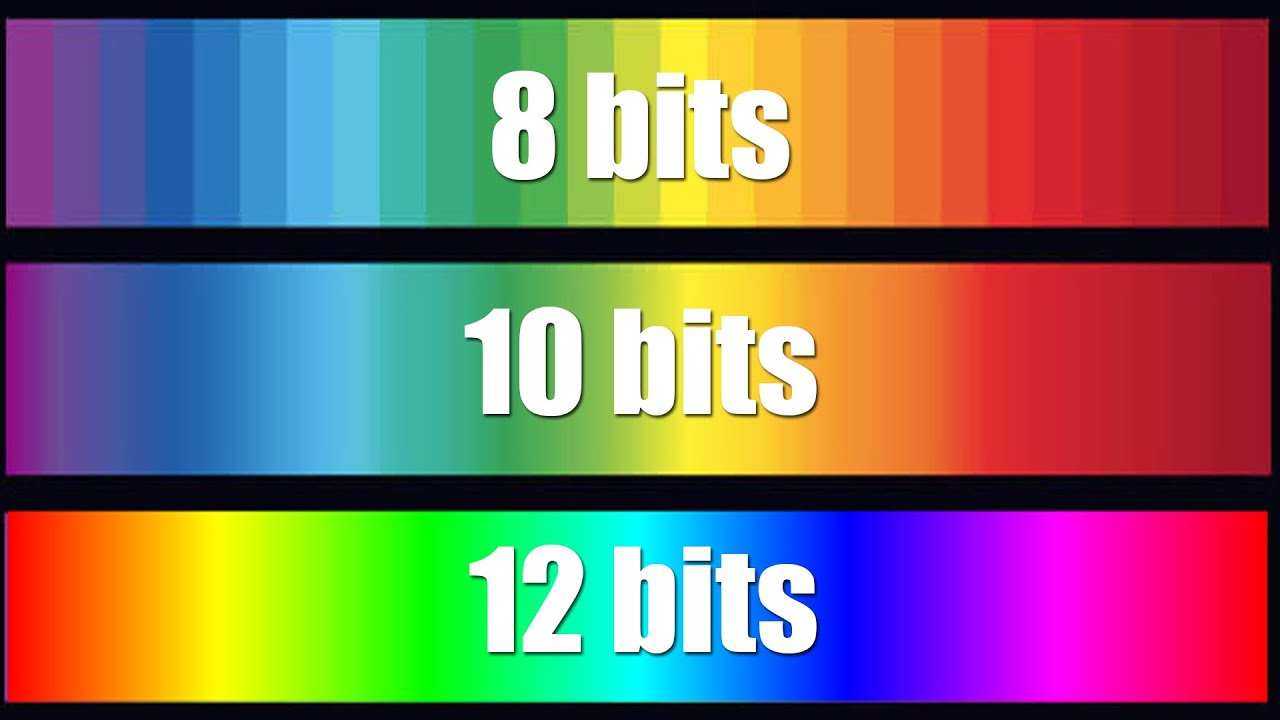
However, in the case of “video originally shot at 24 bits or more”, such as “animation” and “movie”, when encoding with 30 bits (10 bits each), the color-related filter effect will be applied without problems. As a result, banding (the noise that occurs in continuous parts of color) is reduced, and image quality tends to improve.
▼ An image of an animation encoded in 24-bit and 30-bit and the same part of the same frame cropped (the original frame is this )
8bit– 10bit–
▲ 24bit
(You can see that the banding is noticeable compared to 30 bits) ▲ 30 bits
So that doesn’t mean it doesn’t mean anything at all.
You can check it in the following blogs.
rigaya diary and notepad image quality comparison 2015.01
X264 10 bit depth is effective in anime: Cute Leaf
Name
Frequently used bit depths (color depths) are named.
16 bpp (65,536 colors): high color
24 bpi (16,777,216 colors): Full color
32 bpp (16,777,216 colors + α channel): true color
48 bpi (281,474,976,710,656 colors): Deep Color
Reference : What is color depth? | Color Depth – Meaning / Definition: IT Glossary
How to check the bit depth of a video
If you use video identification software like MediaInfo ,
You can easily check the bit depth of the video.
screenshot_298 screenshot_298
▲ In this case, 8 bits is the number of bits assigned to Y, U, and V.
So the bit depth is 24 bits (however the effective bit is YUV420 so it is 12 bits).
resume
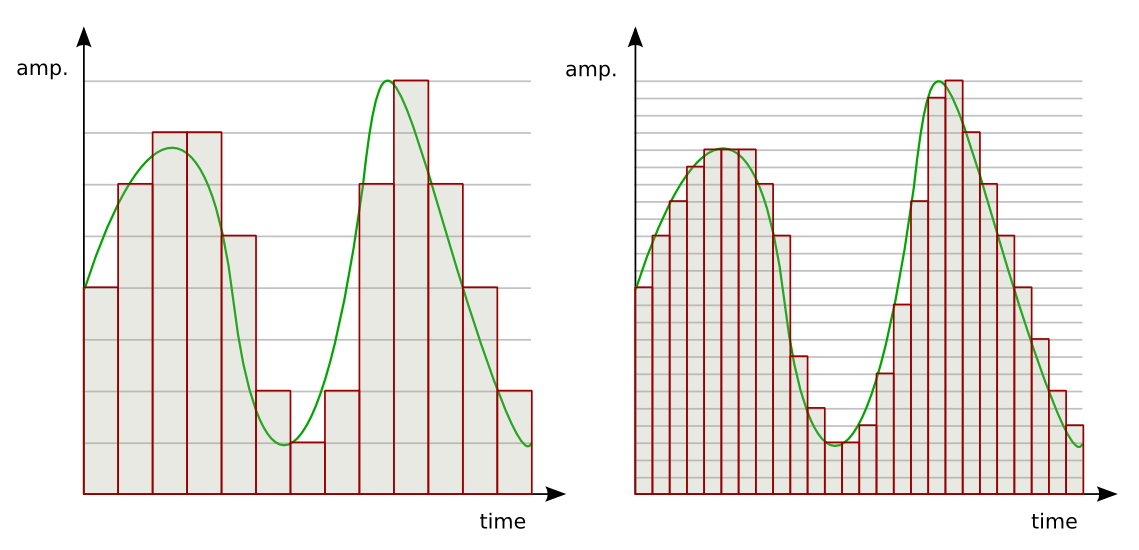
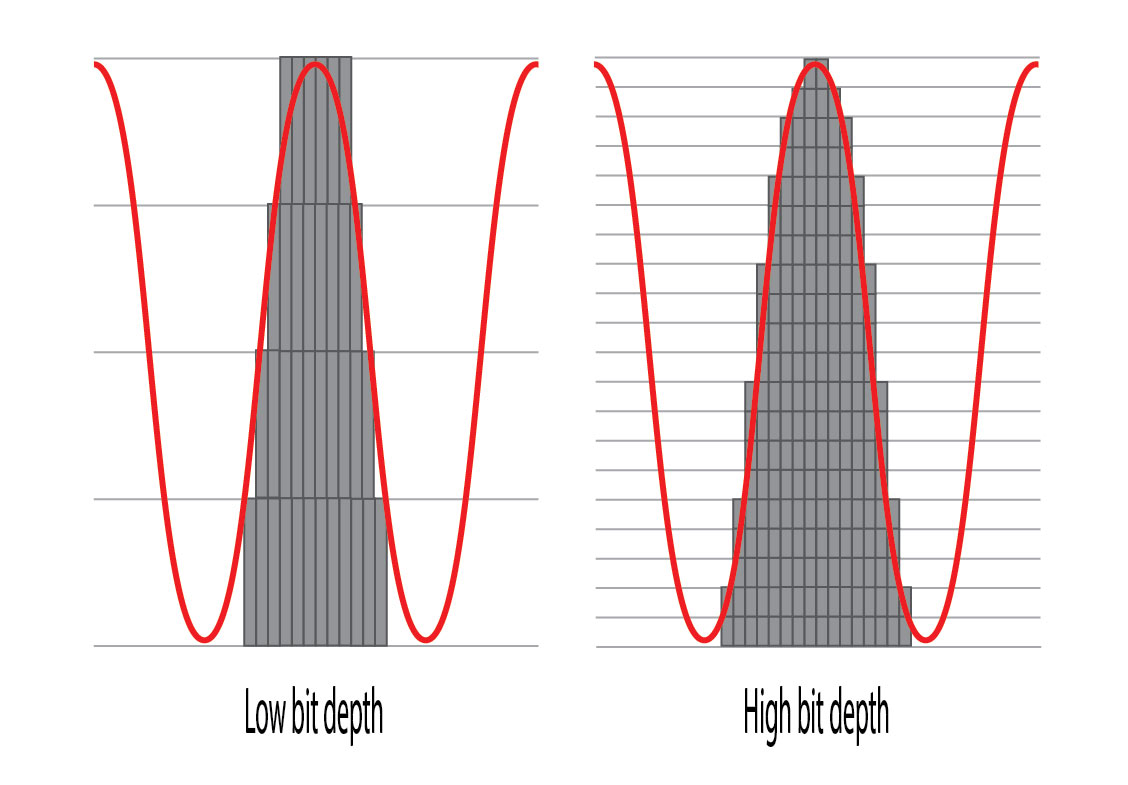
-Bit depth: the amount of data per pixel
-The higher the bit depth, the more colors can be represented (= resulting in higher image quality).
・ The bit depth (color depth) of most videos is 24bpp.