Compare the difference between bit, khz and kbps! High resolution doesn’t make sense?


Free Download Mp4Gain
picture

Compare the difference between bit, khz and kbps! High resolution doesn’t make sense?
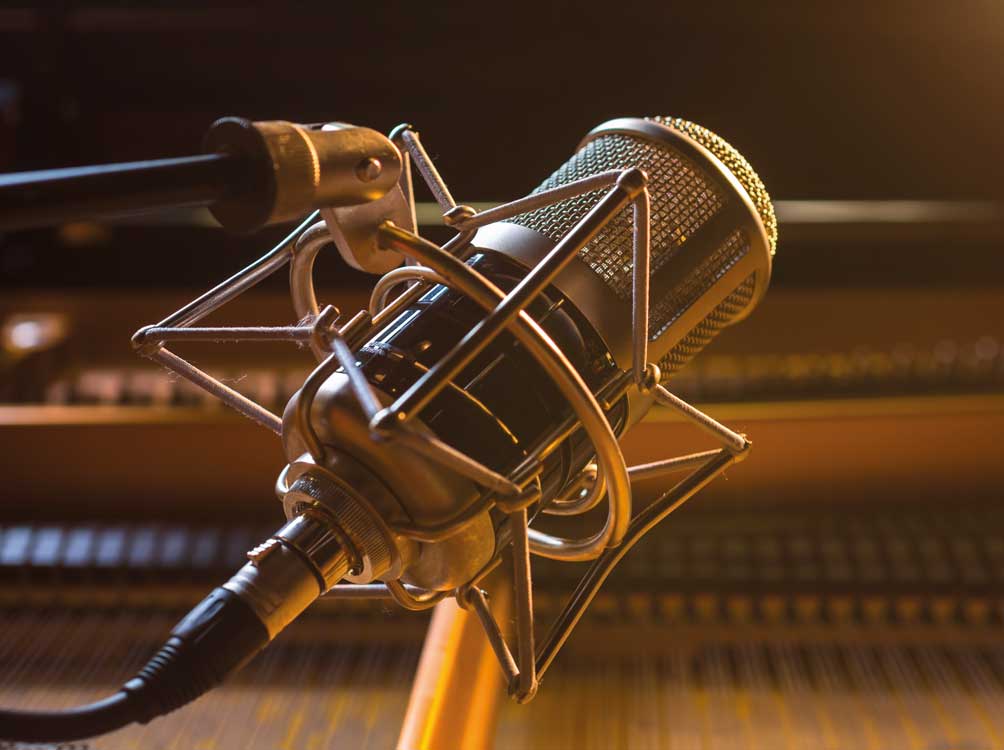
High-resolution audio

Sound quality comparison!

high resolution audio

It is quick to judge whether the sound quality is good or bad from the data.

However, there are several factors that make up sound quality.

Therefore, in this article, I explained the sound quality in a rather broken way.

If you are a little interested in sound quality, check it out.

Difference between bit, kHz (kilohertz) and kbps (kilobby PS)
What is a bit?
What is kHz (kilohertz)?
What is kbps?
High-resolution sound quality and CD comparison
Over the limits of human hearing! High resolution doesn’t make sense?

Necessary environment to enjoy high resolution
High resolution sound source
High-resolution compatible headphones / earphones / speakers
High resolution compatible terminal
High resolution recommended elements
ACTIVE “CT10”
Difference between analog data and digital data
Difference between lossless compression (lossless compression) and lossy compression (lossy compression)
Lossless compression (lossless compression)
Lossy compression (lossy compression)
About the uncompressed sound source
Difference between bit, kHz (kilohertz) and kbps (kilobby PS)
The next three units are important for measuring sound quality.

little
kHz (kilohertz)
kbps
Let’s briefly explain each unit.

What is a bit?
bit is the number of quantization bits.

Here, it is easy to understand if you think of it as “the resolution (fineness) of the sound itself”.

The higher the value of this bit, the smaller and finer the sound can be reproduced.

In other words, it is more faithful to the original sound.

However, there is a disadvantage that the amount of data increases when the bit is large.

What is kHz (kilohertz)?
kHz is the sampling frequency.

It’s easy to understand if you think of it as “the number of data used in the expression of sound per second”.

The higher this number, the greater the range that can be recorded.

Also, kHz is one of the numbers often used to express headphone specifications.

If you look at the specification table, you will often see numbers like “20Hz to 20kHz”.

This indicates the range of supported ranges.

The lower the number on the left, the better the bass can be heard, and the higher the number on the right, the greater the playback range.

What is kbps?
kbps is the so-called bit rate.

Also known as “bits per second” or “kilobits per second”.

Unit that expresses how many kilobits of data can be transmitted per second.

Kbps can be calculated using the following formula.

kbps = bit x kHz x number of channels

The number of channels is the number of speakers, for example, in stereo, it is “2”.

In theory, the higher the number of processed bits per second, the higher the sound quality.

Sponsorship

High-resolution sound quality and CD comparison
Let’s compare CD and high resolution sound quality from a data point of view.

little kHz kbps
16 bit CD 44.1-48 kHz 1,411.2 kbps
High resolution Exceeds 44.1 kHz / 16 bit
Those that exceed CD specifications are defined as high resolution.

Specific examples are as follows.

44.1 kHz / 16-bit: CD specifications
48 kHz / 16-bit: CD specifications
44.1 kHz / 24 bit: high resolution (the number of quantization bits is greater than the CD specification)
48 kHz / 24 bit: high resolution (the number of quantization bits is greater than the CD specification)
96 kHz / 16 bit: high resolution (sampling frequency is higher than CD specification)
96 kHz / 24-bit: high resolution (both higher than CD specs)
96 kHz / 12 bit: not high resolution (low number of quantization bits)
32 kHz / 24 bit: not high resolution (sample rate is low)


Free Download Mp4Gain
picture


Mp4Gain Main Window
picture


Mp4Gain Features
picture


Free Download Mp4Gain
picture

EVERYTHING YOU NEED TO KNOW ABOUT HIGH RESOLUTION

EVERYTHING YOU NEED TO KNOW ABOUT HIGH RESOLUTION

High-Res Audio

High Definition Audio is the choice of the most dedicated digital music fans. What is it, where to get it, and what does it take to hear it?

Hi-Res Audio

If you’re a bit interested in digital music (whether it’s listening to CDs or streaming from Spotify on your smartphone), you’ve probably come across the term “high definition audio” or “high resolution audio.”

In recent years, the popularity of Hi-Res Audio is slowly but surely gaining momentum, fueled by the emergence of new components, streaming services, and even smartphones that support this standard. Until recently, it was a niche segment for a narrow circle of insiders, but today everyone wants to join it.

If you want to get the best possible music listening experience, or at least better sound quality, you need to familiarize yourself with the concept of Hi-Res Audio.

This perspective is a bit overwhelming as it involves many factors. What is Hi-Res Audio? What do all these formats and numbers mean? Where can I get high-quality files and on what devices should I play them? Finally, where do you start?

Our guide to the world of Hi-Res Audio will help you understand the matter in depth. After reading this material to the end, you will be armed with all the necessary knowledge and take the first step on the way to the magical world of the best sound.

What is Hi-Res Audio?

Unlike HD video, there is still no universal standard for high definition audio. Digital Entertainment Group, Consumer Electronics Association and The Recording Academy, as well as record companies define it as follows: “An audio file in a lossless format that contains a soundtrack across the entire frequency range in which it was mastered with higher quality equipment than CD ”.

In simple terms, this term generally refers to recordings with a higher sample rate and / or bit depth than CDs (i.e. 16-bit / 44.1 kHz).

The sample rate indicates how many times per second the signal is sampled during its conversion from analog to digital. The higher the bit depth, the more accurate the signal measurement will be at the sampling point, so the transition from 16-bit to 24-bit can significantly improve quality.

High-resolution audio formats typically have a sample rate of 96 or 192 kHz at 24 bits. Also, there are files with 88.2 and 176.4 kHz.

However, Hi-Res Audio has one major drawback: the size of the files. They are typically tens of megabytes in size, and a few songs can easily take up all of your device’s memory. Fortunately, memory is much cheaper today than it was a few years ago, and devices with large disks are not hard to find. However, the large file size makes it difficult to transfer these files over Wi-Fi and mobile networks.

And that’s not all: each of the Hi-Res Audio file formats has certain compatibility limitations. Examples include FLAC (Free Lossless Audio Codec) and ALAC (Apple Lossless Audio Codec); both, in theory, provide lossless transmission of musical information. In addition, there are uncompressed formats: WAV and AIFF, DSD (the format used in Super Audio CD) and the recently developed MQA (Master Quality Authenticated).

The relative advantages of each format can be discussed, but the first thing to consider is their compatibility with audio components and software solutions.

Main audio file formats, their advantages and disadvantages:

-MP3 (not a high resolution audio format): popular compression and lossy format with small file size and low quality. It is suitable for storage on smartphones and iPods, but does not apply to high-resolution formats.

-AAC (not a high resolution audio format): alternative to MP3, also compressed and lossy, but sounds better. Used by iTunes and Apple Music (256 kbps), as well as YouTube streams.

-WAV (Hi-Res): standard digital format in which all CDs are recorded. Excellent quality but large file size due to lack of compression. Weak support for metadata (versions, song titles and artists).

-AIFF (Hi-Res): Apple’s alternative to WAV with more complete metadata. Not very popular format without compression and loss with large files.