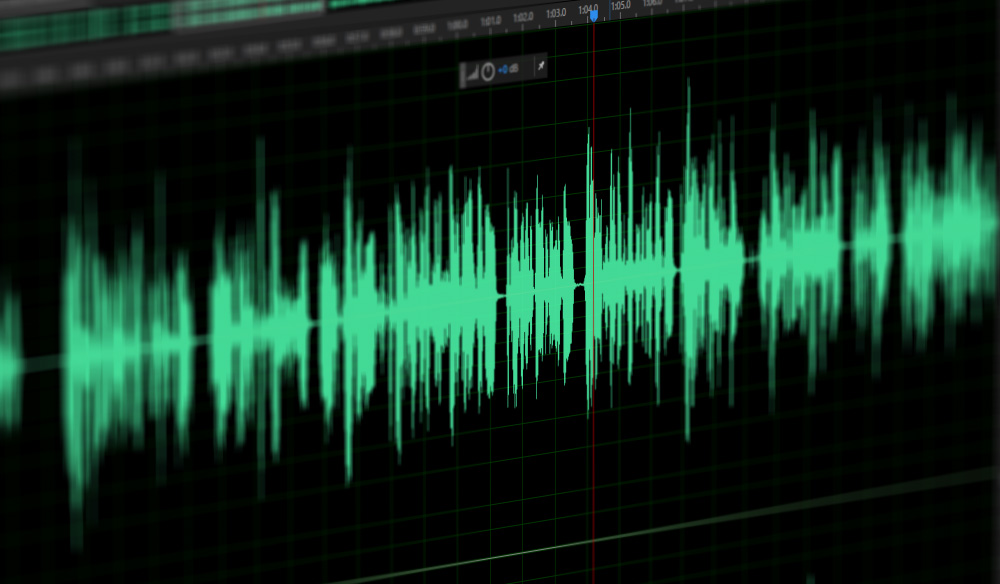
mp3 download song – download mp3 song – mp3 song download
Actually, at this time it is not necessary to use Napster-type programs, everything has become simpler.
Normally you just need to download the video of a song in mp4 format, for example, and then convert it to mp3.
Mp4Gain is the ideal tool to convert videos to mp3 or any other popular audio formats like Flac, Ogg, AAC, m4a, etc.
To download a video, simply use any free web page and once we have the video on our computer, we will use Mp4Gain (Windows) to extract the audio and convert it to mp3, with the normalized volume and the highest audio quality.
As we pointed out, this conversion from outube to mp3 is very simple, you only need the following steps:
1.- Download the youtube video on free online pages
2.- Use Mp4Gain to extract the audio and convert it to mp3, with normalized volume level and great audio quality.
Mp4Gain can do this on a video or a batch of videos.
We will obtain MP3S with a normalized volume level and very high audio quality, impossible to distinguish from a CD.
Mp4Gain is the most advanced normalizer available today that equally normalizes audio, video and converts all popular audio & video formats.
1. The full name of MP3 is Moving Picture Experts Group Audio Layer III, which is the most popular digital audio encoding and lossy compression format.
What exactly is an mp3
Invented and standardized by a group of engineers in the research organization Fraunhofer-Gesellschaft. It is designed to drastically reduce the amount of audio data, and for most users, playback quality will not be significantly reduced compared to the original uncompressed audio.
In a nutshell, MP3 is an audio compression technology. Since the full name of this compression method is called MPEG Audio Layer3, people call it MP3 for short. MP3 uses MPEG Audio Layer 3 technology to compress music into smaller files with a compression ratio of 1:10 or even 1:12. In other words, the file can be compressed less with little loss of sound quality, and the original sound quality can be better maintained. Furthermore, it is precisely because of MP3’s small size and high sound quality that the MP3 format has become almost synonymous with online music. The MP3 format of music per minute is only 1 MB in size, so the size of each song is only 3-4 megabytes. Use an MP3 player to uncompress (decode) MP3 files in real time so that high-quality MP3 music can be played.
● Characteristics of the MP3 format
MP3 is a lossy data compression format that discards pulse code modulation (PCM) audio data that is unimportant to the human ear (similar to how JPEG is lossy image compression), resulting in results in a much smaller file size (achieves a smaller file at the expense of the 12kHz to 16kHz high-frequency part of the sound file at the expense of the high-frequency part of the sound file at a higher compression rate and basically keeping the low frequency part without distortion).
MP3 audio can be compressed at different bit rates, providing a variety of trade-offs between data size and sound quality. In addition, the MP3 format uses a hybrid conversion mechanism to convert time-domain signals to frequency-domain signals. For example, some low-quality MP3s that we usually see on the Internet are 64kbps, but there are also good ones with 320kbps, and the sound difference between the two is quite obvious.
Second, the full name of WMA is Windows Media Audio, which is a new audio format released by Microsoft and the same name as MP3 format. Since WMA outperforms MP3 in terms of compression ratio and sound quality, and is much better than RA (Real Audio), it can produce better sound quality even at lower sampling rates. Files that use the Windows Media Audio encoding format generally have the WMA extension, and some audio-only ASF files that encode all of their content in the Windows Media Audio encoding format also use the WMA extension.
● Advantages
WMA after WMA 7 supports certificate encryption. Without permission (that is, without obtaining a license certificate), even if it is illegally copied to the local, it cannot be listened to. At the same time, Microsoft’s initial claim that the same file is twice as small as an MP3 with the same sound quality has also been fulfilled. In fact, this statement only applies to low bitrates. Also, Microsoft has greatly improved its engine in WMA 9. In fact, it can be almost 1/3 smaller than MP3 at the same file and sound quality, making it very suitable for web streaming and mobile devices.
● Disadvantages
In the high bit rate, the rendering ability is low, a 320kbps MP3 of the same sound source is compared with a 192kbps WMA, the sound quality and rendering power are easy to distinguish than the former is better. Just like MP3, WMA is also a lossy data compression file format and WMA is not a suitable format for users with higher requirements. (Version 9.0 supports lossless compression) In addition, WMA is also a proprietary copyrighted file format like MP3. Compatible devices require purchase of usage rights.
The mp3 format is better or worse than the other formats?
mp3 format is better
Some people often say, and almost always in a connoisseur’s tone, that the mp3 format is obsolete and old and that it sounds worse.
mp3 format is better
This is not necessarily a truth.
The reality, to start with the real thing, is that a 320 kbps mp3 that is based on good quality original audio will sound so good that only 1% could even slightly tell the difference.
Multiple investigations have been conducted, even with hearing trained personnel, and it has been found that an mp3 that exceeds 192 kbps can have such good sound that it is very difficult to distinguish when compared to high quality audio without compression or loss.
This means you don’t have to run around looking for a new format and convert your mp3s to that format, which would also be a mistake, because converting one format to another will never make it sound better.
Mp4Gain for example can not only convert between formats, but at the same time add processes that make the volume sound more even between the different mp3 files and also the quality improves or at least sounds better to your ears.
But this is the result of a series of processes added together and not just a conversion from one format to another or changing one bitrate to another.
The same is true for video file formats like mp4, webm, etc.
Mp4Gain can optimize them to match loudness or volume levels, but it’s not just as a result of converting one format to another or setting them all to X bitrate. It is a slightly more complex phenomenon.