
What are video codecs and audio codecs?
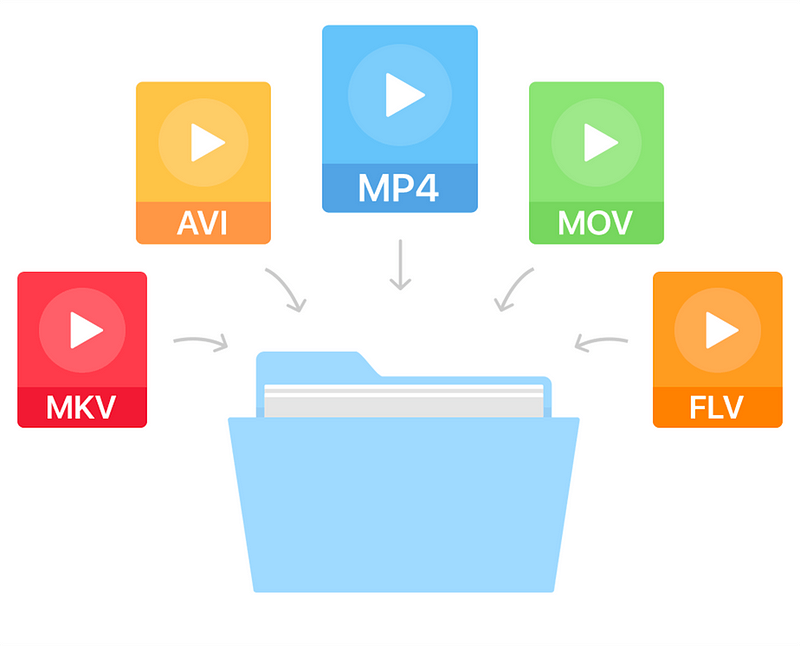
You probably encountered a problem when the player refused to open a file, a dark screen was displayed while viewing, or the video played without audio. This happens when there are no codecs on the device. Also, errors can occur when using outdated equipment. Let’s take a look at how to solve the problem and install compatible video codecs for Windows 7 and other versions of the operating system.

What are codecs?
The name “codec” is a combination of the words “encoding” and “decoding” (co / dec). Technically, this is software used to compress and decompress a digital media file (music or video). They are needed to compress video, image and sound files to the smallest size so that the file takes up less space and is faster to transfer over the Internet. Windows Media Player and other programs use codecs to play multimedia files.
Sometimes they get confused with the video format or container. But a media container is a collection of files that stores data compressed by a video codec. AVI movie is a container that contains multimedia files encoded with XviD, DivX or MPEG-2.
How do codecs work?
Codecs are used to change media format or reduce file size for fast transmission over the Internet. They do the opposite, “reading” data from MP3 or other formats for playback. This is called unpacking.
The process of creating an encoded video file
The process of creating an encoded video file
There are two types of compression. Lossless codecs compress the original video at the highest quality settings. This can be compared to packing files in a ZIP file: after unzipping (when watching a recoded video), the output file does not differ from the original. These multimedia files are great.
Lossy codecs lose information to varying degrees, which leads to degradation of the quality of the processed media file. But they save a lot of space on your hard drive. Modern converters allow you to set optimal compression settings and minimize losses.
What codec should I choose?
If the required codecs are not found when playing media files, the player displays an error indicating the problem. It remains to find a solution on the Internet. However, the software does not always indicate the missing video codec.
The process of creating an encoded video file
Codec message is missing in Windows 10 Movies & TV Player
There are hundreds of options for different purposes: audio and video compression, media streaming, video conferencing, MP3 playback, screenshot. Let’s consider the popular codecs for watching videos and playing music files.
MPEG. MPEG-1 offers high quality video and creates MP3 sound that plays on all modern music devices without exception. MPEG-2 is the current video compression standard for DVD and Blu-ray discs. MPEG-4 provides better compression methods and smaller output video sizes.
H.264. The most popular option for HD video, which can use lossy and lossless compression. H.264 is 2 times more efficient than MPEG-4 and produces a smaller file with smoother playback. H.264 is used for web video and Blu-ray recording.
XVID / DIVX. DivX is a commercial codec, XviD is an open source alternative. DivX can compress long video segments into small sizes while maintaining high quality.
HEVC. High-efficiency video coding (HEVC or H.265) is a new compression standard. This “cousin” of H.264 makes even better use of its compression algorithms. The codec is only gaining popularity and is not supported by all programs.
How do I install and run codecs?
You do not need to download the codecs separately. There are many packages that contain the necessary audio and video codecs. The most popular variant of the K-Lite Codec Pack. It is distributed free of charge in various trim levels, from basic to advanced, and includes Media Player Classic.


