
What is digital audio and how does it work
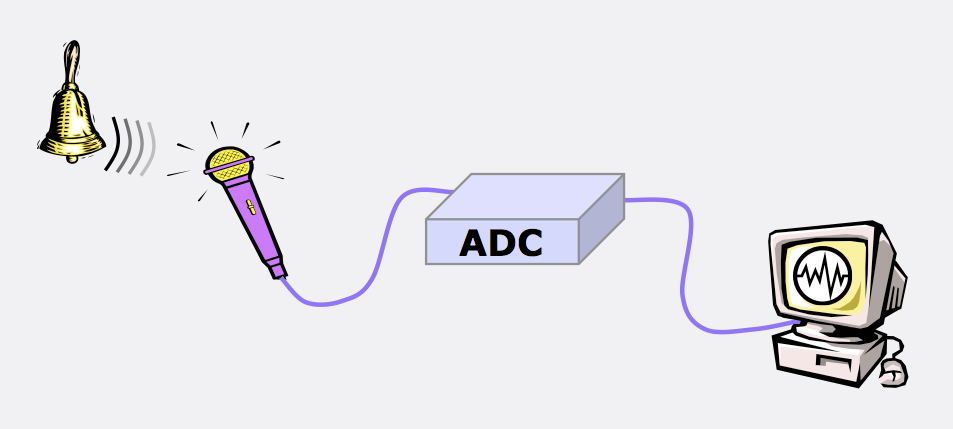
Regardless of the path chosen, after connecting the source, the sound from the source will be sent to a microprocessor called a digital audio converter (DAC for short), where there will be 2 stages:
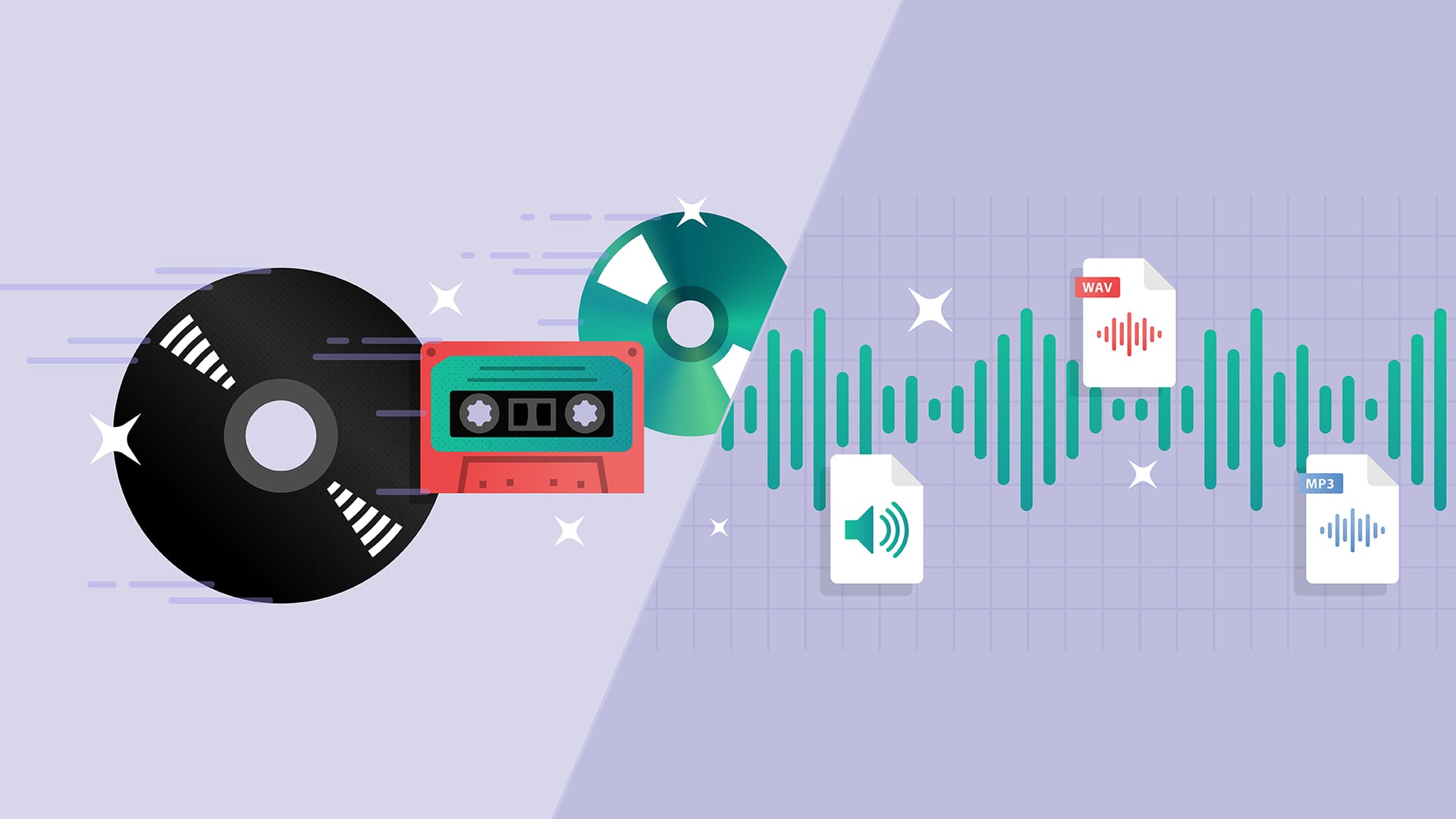
1) Conversion from analog to digital (a / d);
2) Conversion from digital to analog (d / a).
This processor is sometimes called an ad / da converter. Here, the analog audio signal is processed into digital, then redirected to the central processor and memory, and then to the storage medium. Stored digital recordings (often in .WAV format) are sent back to memory and the CPU, and then converted back to analog by the DAC.
The digital audio / MIDI sequencer allows you to record the sound of synthesizers, guitars, and microphones to files with the .wav extension. No matter how sound is transferred to the computer, it will still go to the DAC, computer memory, and hard drive. The resulting data type is called digital audio data. If you record in “CD quality” (among other things one of the lowest possible), every second of the sound is divided into 44,100 pieces. What is this data? Only numbers. But unlike the MIDI format that encodes the notes played, digital audio data is a digital representation of the actual sound wave. This is the same sound described in numbers. Can you guess that this format takes up thousands of times more space than midi data? This is true.
It is a graphical representation of digital audio data. For a computer, this is a sequence of numbers. With this data, you can perform various operations to change and improve. Outwardly, the signals appear to undergo a series of effects, but in reality what happens is a mathematical process.
How MIDI is converted to sound
You may be wondering how to convert MIDI to audio, is there a “convert” utility for that? Connect the output jacks of your synthesizer to your sound card (or audio interface, or mixer with firewire, etc.) and start recording. Analog waves go through a digital converter (DAC), are converted into numbers, and voila! you will receive digital audio data. The nice thing about a sequencer is that you first record a MIDI track and then refine it. in editors and translate it to digital audio for a perfect recording (well maybe not perfect, there is nothing perfect in the world). Yes; you are using synthesizer software, the process will be called slightly differently, but the gist is the same. The computer creates an audio track based on MIDI data and records it in audio format.
Time to process the resulting files perfectly in sync with plugins or effects. You can also save the finished tracks in MIDI format (then you can edit them at any time) and add the sound of vocals, guitars, or whatever else you want. The sequencer can work simultaneously with MIDI files and digital audio.
Effects types
One of the main and most used effects is VIBRATO.
Distinguish amplitude vibrato, when the amplitude of the signal changes periodically. The frequency of change should be small, from a few fractions of a hertz to 10-12 Hz. Tremolo is a type of amplitude vibrato. The frequency of vibration in the case of a tremolo is not less than 10-12 Hz, and the resulting signal is output in portions.
Frequency vibrato. In a non-electronic way, it was done with electric guitars. By changing the tension of the strings with a special lever, the musician changes the pitch (understand – frequency) and achieves the effect of frequency vibrato. The same can be done with synthesizers and midi keyboards using a special wheel or lever. In music editors, you can also adjust the frequency of the sound, change it within the specified or desired limits.
Ring vibrato. The signal passes through a filter, the settings of which are periodically changed. An interesting and beautiful sound is obtained due to periodic changes in the coloration of the timbre.
Effects: Reverb, Chorus, Flanger, Phaser, Delay: effects based on the delay of the signal.
Reverberation: the effect is created by mixing the main signal with copies lagged for different periods of time, obtained as a result of the reflection of various obstacles (walls, objects, etc.) The number of copies can be infinite, the reflected signal can return to reflected from another obstacle (the delay increases naturally) and again summarized with the main one. With a short delay, the effect results in an immersive and booming sound experience. .


