
Is it natural that “the sound of the computer is bad”?
Compare the performance of the audio output numerically
If you usually use an audio interface or USB DAC, many people think that the sound function installed on the PC is obsolete. The author himself thought so, but “actually, the sound quality may have improved with recent PCs.” Suddenly, I thought about that, and this time I checked the sound quality of the computer I had.
As long as you listen to a little sound with headphones, you won’t get the bouncing buzz like in ancient times. Although it is clearly different from listening to solid equipment, I don’t think there is any particular discomfort in listening to streaming audio over the Internet with a PC alone without listening to it. So, I used RMAA PRO, which I always use to check the audio interface, to compare the difference numerically. Then there was a considerable difference between the models I tested, so I summarized the results.
Compare barebones with notes and Intel NUC
I believe that an audio interface and USB DAC are a must to produce decent sound on a PC, but even professional musicians often connect to the PA from the PC’s headphone output without using the audio interface. Sometimes I see people. Well, I was wondering if I shouldn’t be particular about the sound, but I was wondering, “Is it okay?”
However, there is a chance that the onboard sound function is now decent. It is not a good idea to decide that it is not good without verifying it. So I decided to test it with three relatively new PCs that I had.
One is a basic “Shuttle SH370R6” PC that was purchased late last year and assembled early in the new year. I wanted to incorporate Intel’s Core i9, but since it only supported the 8th Gen Core processor, it was a machine with 6 cores, 12-thread Core i7-8700 installed, and 32GB of memory.
Barebone PC “Shuttle SH370R6”
After that, it seems that the 9th Gen Core processor also supports BIOS update, and I am sorry I bought it a bit later, but I will test it on such a machine.
Uses Core i7-8700 with 6 cores and 12 threads
The second is a small notebook PC that I bought last fall and the NEC “LAVIE Note Mobile NW150” that I usually carry in my bag every day. A lightweight machine weighing 904g with a battery that runs for 13 hours on an 11.6-inch screen. The CPU is a 2-core Pentium Dual-Core 4410Y that runs at 1.5 GHz, so it is not a fast machine, but it is a portable PC that is enough to surf the net with Chrome and write manuscripts with an editor. of text.
NEC 「LAVIE Note Mobile NW150」
The third is an Intel NUC kit that I bought two years ago and it is a small machine called “7i7BNH”. It is a PC that I bought because it is equipped with a 7th generation Core i7-7567U and a USB Type-C type Thunderbolt 3 terminal.
Intel NUC 「7i7BNH」
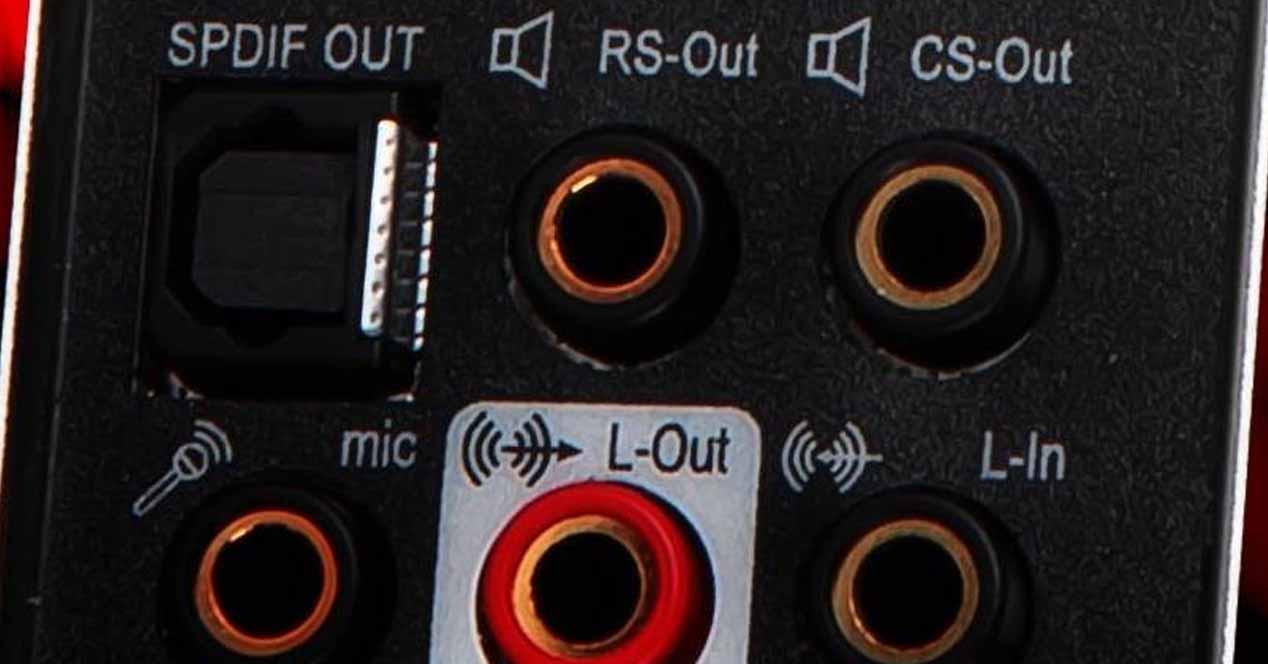
Typically, if it is an audio interface, the input and output are connected directly with a cable to make an audio loop, and then the measurement is done using the RMAA PRO audio testing software. I’ve always tried 44.1 kHz, 48 kHz, 96 kHz, and 192 kHz, so I thought I’d use that method again … but if you look closely, it has input and output terminals. Only the first SH370R6. Both the LAVIE Note Mobile and the NUC have only one headphone-out jack.
Looking around now, notebook PCs are less likely to have LINE IN and mic input, and more common to have only output. Also, the purpose of the experiment here is not to check the total input / output function, but to see what the output performance of the headphones is like. In a normal audio loop, if there is a problem with the input = record function, that becomes a bottleneck, and even if the headphone output is high-performance, it will be poor. So I decided to use the same audio interface for all inputs and compare the output performance of each headphone.
This time, I used Roland’s Rubix 24 as an audio interface. It is a 2IN / 4OUT audio interface that works with USB bus power and is a device that can record and play back at a maximum of 192 kHz / 24 bits. First of all, the result of testing with RMAA PRO in the form of an audio loop to see the performance of this Rubix 24 itself is as follows. I have tested the 2IN / 2OUT Rubix 22 before, and the results show that it has roughly the same performance.


