
Differences between AVI, MP4 and MKV video formats

Each of us uses two basic and vital multimedia elements on a daily basis for optimal performance, audio and video. Whether we are watching a movie, an online course, listening to an album by our favorite singer, etc., everything is related to audio and video.
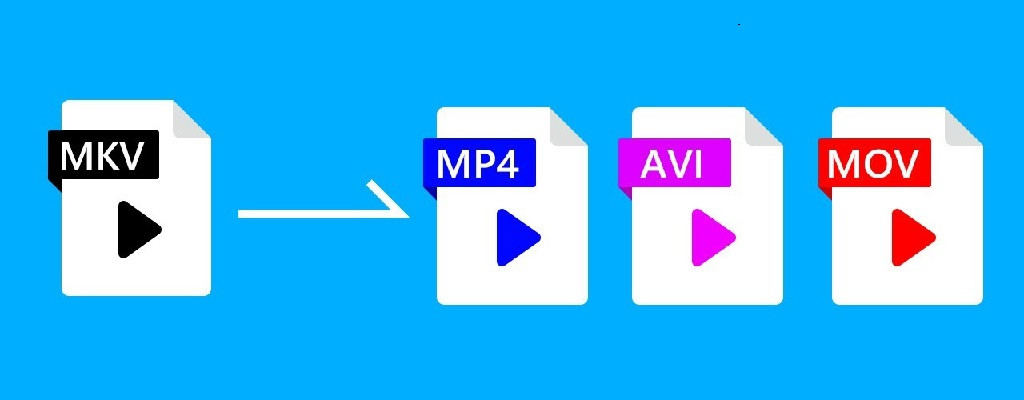
When we talk about video, we can find hundreds of new formats in which this multimedia element can be obtained, previously the types of files were very limited and each format was associated with a different type of device, so there is no guarantee that if We download the video specifically, it will be compatible with our smartphone, PC or TV.
Next, we will see some of the most famous video formats and their main differences.
All the multimedia elements that we work with on a daily basis are made up of two main elements:
container
codec
Each of these elements plays a fundamental role that allows us to fully enjoy the video in a particular player.
What is a container?
The container allows us to watch videos with a fixed extension assigned, this container stores various types of data, such as audio and video, and allows us to perform, among other things, tasks such as synchronizing, enabling or disabling tracks.
The most common container types are .avi, .ogg, .mp4, .mov, .rmvb, etc. In addition to the above, a container allows us to define what types of data will be stored in the medium and how it will be organized in the medium.
What is a codec
A codec (Encoder / Decoder) is a software whose function is to allow the device in which we are playing the video to show the correct information since it is made up of binary numbers (ones and zeros).
Thanks to the codec, multimedia content can be compressed without loss of quality. Some of the most common codecs are Xvid, AC3, H.261, H.262, H.264, X264, Theora, MPEG-1, etc.
Knowing these details, we will talk about the three most famous containers.
AVI
AVI (Audio Video Interlaced) was developed in 1992 by Microsoft Corporation and is one of the most popular video containers of that time and allows you to store audio and video content. AVI files are divided into chunks called chunks, where the first chunk, called the header, is responsible for conveying the information in the file.
While AVI allows audio and video to retain their fidelity, its big problem is the amount of space it occupies to store said information, since sometimes it can be identical to the size of a DVD, which can affect the portability of said DVD. video.
MP4
MP4 (MPEG-4 Version 2) was developed in 2001 and supports various types of audio and video codecs, making it a popular, everyday container. Its main function is the storage of digital audio and video, but it allows the storage of additional data such as subtitles, streaming and images.
Among its main characteristics we have:
It is based on QuickTime
IOD support
You can use the extensions .m4a for audio files and .m4v for video files.
This is the most used extension at the copyright level.
MKV
MKV (Matroska Video Container) is a container developed in 2002 and it is a free container that will allow us to store various types of audio and video codecs without losing the quality of the content.
The MKV container offers us the possibility to store video, audio and additional features such as alternative audio, subtitles in different languages, chapter separator and metadata with more specific information about each file.
It is one of the most flexible containers that we find now and its main characteristics are:
It allows you to contain videos like DivX, Xvid, RV9, etc.
It allows you to store audio such as MP3, MP2, AC3, DTS, among others.
We can add subtitles in formats like ASS, SSA, USF.
It’s free
High levels of compatibility
Better fault tolerance
Knowing these containers and their main advantages, we need to know which codecs are the most used, which will allow us to fully enjoy each video, here are some of these codecs:
WMV
WMV (Windows Media Video) was developed by Microsoft in 1999 and is therefore the most widely used codec on Windows devices. WMV allows us to manage video and streaming applications on PC.
Among its advantages we have:
Use multiple system resources to host videos
Save video quality
It is a compatible format for web videos
High level of device level compatibility
These WMV files can be added to AVI or MKV container.


