
32 bit Floating Point
Yes, the name of the postcomes from there and some years ago we have seen it in some digital audio stations (DAW), but what is it and what is it for? In this post I will try to explain about the 32 bit Floating Point in digital audio.
Bit Depth in digital audio are the information bits of the analog audio samples, the resolution of the amplitude of each sample taken from the signal. This resolution indicates the number of possible values that each sample can give.
In digital audio we use 16-bit and 24-bit, these two being bit depths with fixed point values represented in whole numbers. 16-bit gives us a dynamic range of 96.33dB and 65,536 possible values for sampling. While a depth of 24 bits gives us 144.49dB of dynamic range and 16,777,216 possible sampling points. A notable difference between the resolution of both.
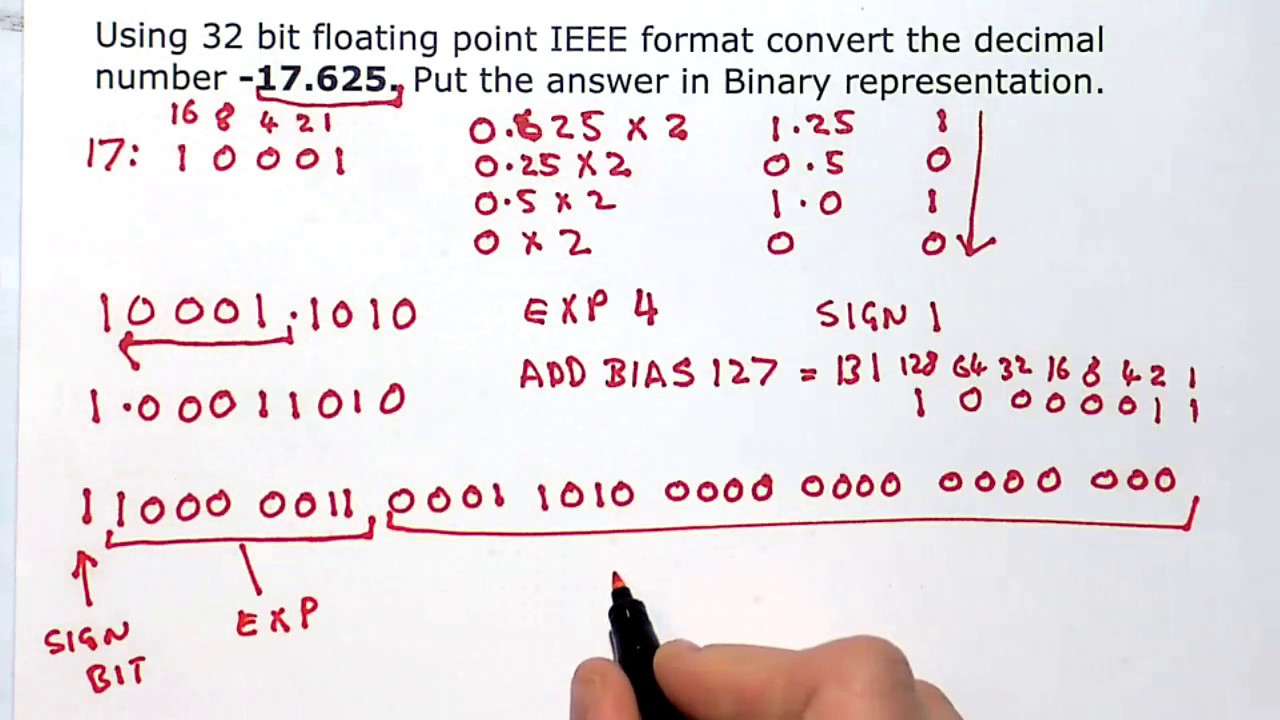
It has been several years since several DAWs have the option of using 32-bit Floating Point as a Bit Depth option. Floating Point is an abbreviated arithmetic way of writing very large or very small numbers.
Does it mean more resolution and more dynamic range? Not necessarily.
First we must understand that when using 32-bit Floating Point in your DAW session, only the audio that is rendered or processed inside the computer is made in 32-bit. When recording at 32-bit an analog signal is recorded as if it were 24-bit Audio, which is probably the maximum resolution of your converter or interface.
To store the 32-bit sampling points Floating Point uses 24 bits as integers and the remaining 8 bits for the position of the sample point if it exceeds 24 bits (hence floating point). If the sample exceeds the 24-bit range, since this is a very large or very small number, the sample value will be stored in an arithmetically abbreviated form. If the audio is being processed in 24-bit and the sample exceeds the possible sampling points, the converter will save it as the highest possible number, which causes us to clipping.
What can i use 32bit for then?
When processing audio inside the computer, when printing mixes, performing bounces or processing audio in AudioSuite in Pro Tools, Bounce in Place in Logic X, etc. This digital audio signal can be rendered at a higher resolution and have more headroom. For example: if I bounce my mix and hit a compressor my signal clips and distorts, I could reduce the level of the signal to gain headroom and remove the distortion since I have information on the extra 8-bit sampling.
This does not work at the time of the A / D conversion. There are almost no converters that process the 32-bit audio and even those that have that possibility is not very helpful since what they would capture was noise. So you have more dynamic range at the time of sampling, it does not mean that you can save a signal that distorts in the preamp.
To tell the truth and after reading many opinions online the 32-bit is not widely used by engineers used to work at 24-bit, the experience of correctly managing the levels in the different recording or mixing processes makes 32-bit A bit unnecessary in my opinion.
Making renders or bounces at 32-bit Floating Point you can remove the distortion of the processed audio but from the beginning that audio never had to have reached the red, you always have to take care of your gain structure within your mix and / or recording.
Remember that 32-bit files weigh approximately 50% more than 24-bit files.


