
High Resolution Audio Source

It can be said that “USB-DAC” is a secret weapon for playing music files on a computer with high sound quality.
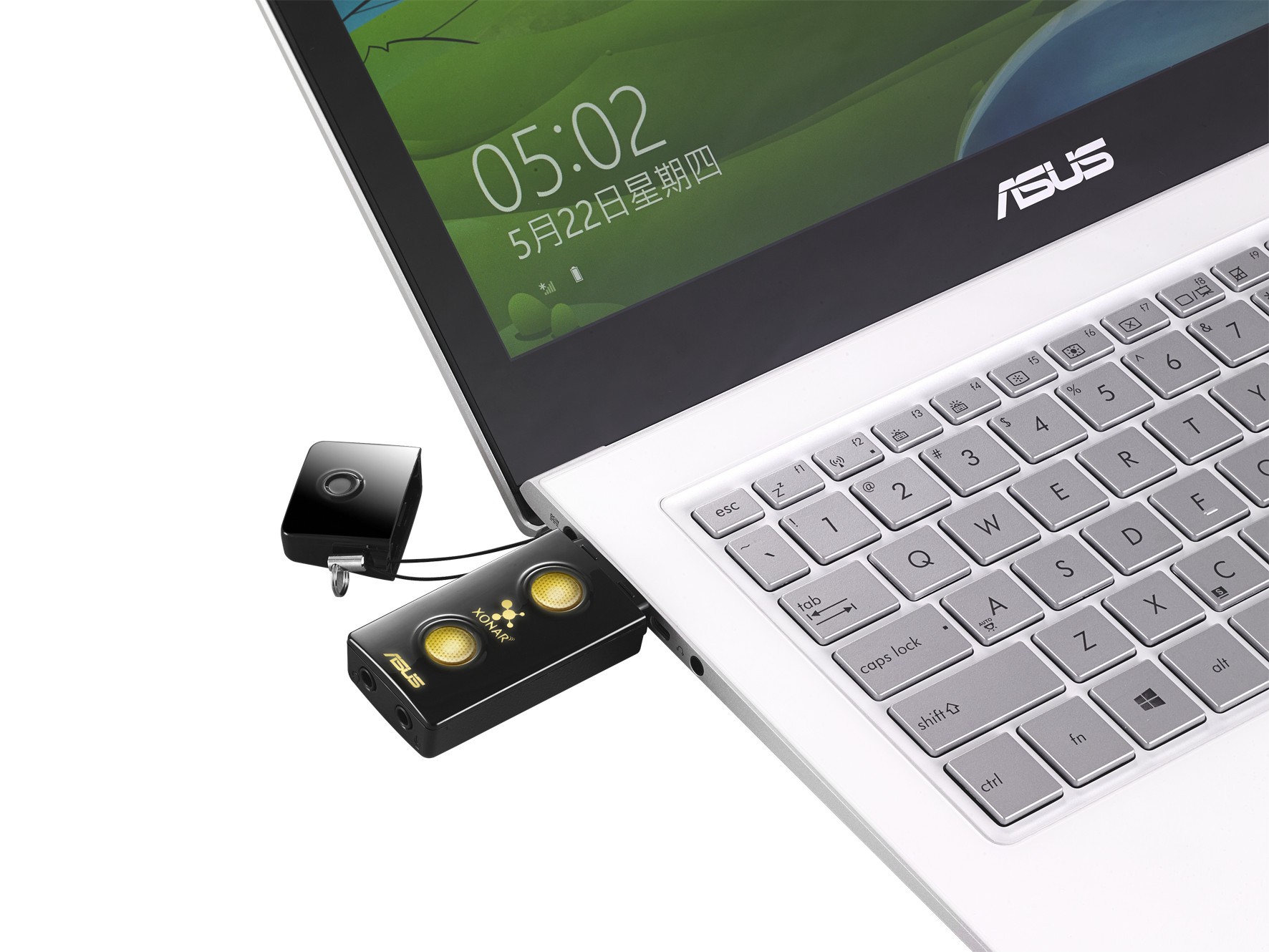
Just add “USB-DAC” to the audio you use all the time, and you can enjoy much higher sound quality! Therefore, this time, Sara-chan visited Onkyo Co., Ltd., which developed the state-of-the-art “USB-DAC” that supports high-quality sound sources called “high-resolution”, which has been launched more and more in the last years. ! We also visited the audition room and asked Mr. Kurosawa, director of the high-quality music distribution site “e-onkyo music”, to teach us how to enjoy high-quality sound!
“Sample rate” and “bit rate”
Sara-chan: Hello! Wow, it’s a nice listening room! I’m excited!
Kurosawa: Hi Sarah! Today, I am trying to get you to experience high-end sound quality in various ways.
Sara-chan: Thank you! “USB-DAC” is certainly important to enjoy high quality music on your PC! But there are many “USB-DACs” and I don’t know what to choose.
Mr. Kurosawa: When choosing “USB-DAC”, it is a good idea to check the “sample rate” and the “bit rate”.
Sara-chan: Sa, Samp … Call frequency ?? What the heck is that ~ ??
Mr. Kurosawa: “USB-DAC” is a device that converts sound from digital signals to analog signals, isn’t it? The “sample rate” indicates the number of digital samples of the audio signal acquired per second during the conversion. The “sample rate” determines the frequency range of the audio file. The higher this number, the closer the digital waveform will be to the original analog waveform and the softer the sound will be. On the other hand, “bit rate” indicates the amount of information per second. They are expressed in units of “Hz” and “bit” respectively. By the way, do you know what the CD standard is?
Sara-chan: Well I’m sure it’s “44.1 kHz / 16 bit”!
Mr. Kurosawa: That’s right! It is said that the sound in the ultra high range above 20 kHz cannot be heard by the human ear, so the CD cuts out the inaudible sound. But even if you think you can’t hear it, you actually feel the vibrations in the air and it affects the sound at the frequencies you hear.
Since the high resolution sound source also records that part, it can be said that it is closer to a more realistic sound. First, at the music creation stage, work is often done at 96 kHz / 24-bit, which is why high-resolution sound sources are sometimes referred to as “studio master quality.” Recently, even more informational sound sources such as “192kHz / 24bit” have appeared. There are “44.1 kHz / 16 bit” and “96 kHz / 24 bit” sound sources here, so let’s compare them using ONKYO’s “DAC-1000 (S)”!
Sara-chan: Wow! You can feel the difference more than you imagined! It feels like a live performance is taking place right in front of you! I feel that the sound is expansive and I feel that I am surrounded by the sound! Anyway, it seems like I’ve never heard it on audio before! Impressed!
Kurosawa: Fufufu. You can feel the difference! However, even if you have a high resolution sound source such as “96 kHz / 24 bit”, there is no point in using a “USB-DAC” that does not support “96 kHz / 24 bit”. Therefore, when choosing “USB-DAC”, it is important to check the “sample rate” and “bit rate” to see if it is compatible with the sound quality you want to hear. By the way, recently there is even a “USB-DAC” that has a function to change the frequency called “upsampling”.
Sara-chan: Wow! We are in an era where high quality sound is increasingly required!
What is asynchronous forwarding?
Sara-chan: What other characteristics should I check?
Mr. Kurosawa: The data transfer method is important! When transferring a high quality sound source from a personal computer to a “USB-DAC”, some have a function called “asynchronous transfer” to avoid data corruption.


